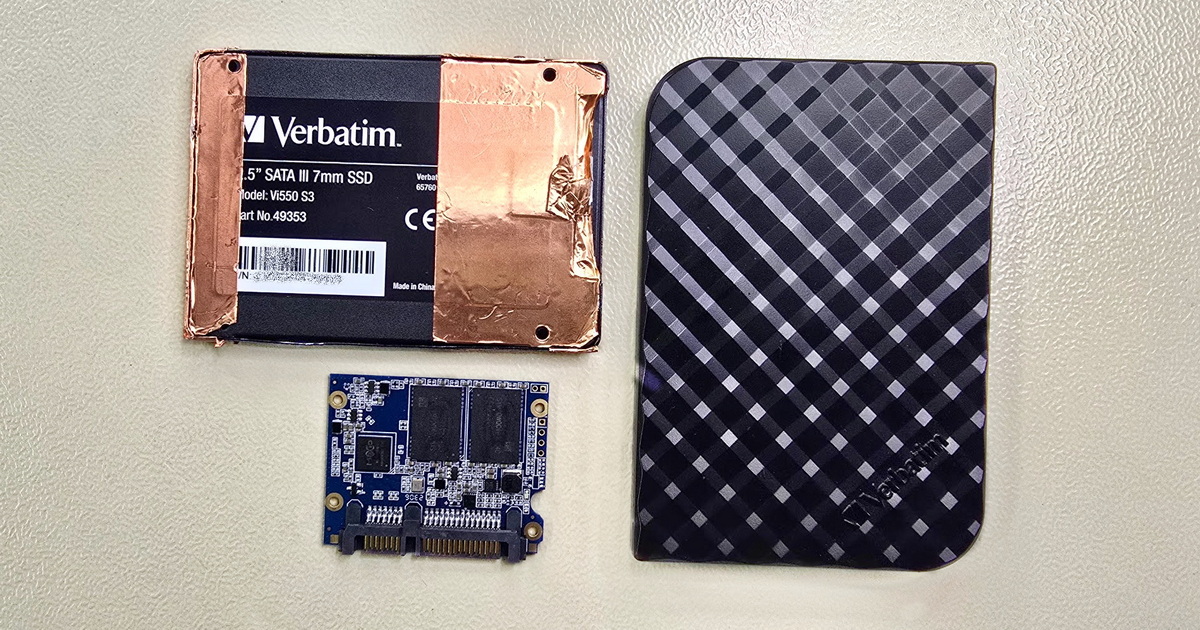
Hardware faults, software faults, drive recovery after a drop, file system incompatibility... We have many years of experience with data recovery from all types of storage media. Data recovery from WD My Book external drives.


WD My Book is a 3.5" external desktop drive with its own power adapter and USB interface. With older families and with My Book Duo, we also encounter hardware AES-256 encryption via a USB bridge. We handle all generations including the dual-drive My Book Duo variant, with capacities of 4–26 TB for single-disk models and 16–28 TB for Duo. Diagnostics is free of charge; data recovery prices start at CZK 1,500.
If your WD My Book is showing signs of failure—clicking, unresponsive, asking to be formatted, or no longer detected at all—follow these principles. They determine the chances of successful data recovery:
Important warning for all encrypted WD My Book and My Book Duo drives: never run “Erase Drive” or “factory reset” functions from WD Drive Utilities or WD Security. With some drive families, these operations generate a new encryption key, and the original data becomes permanently undecryptable.
Free consultation, diagnostics, shipping
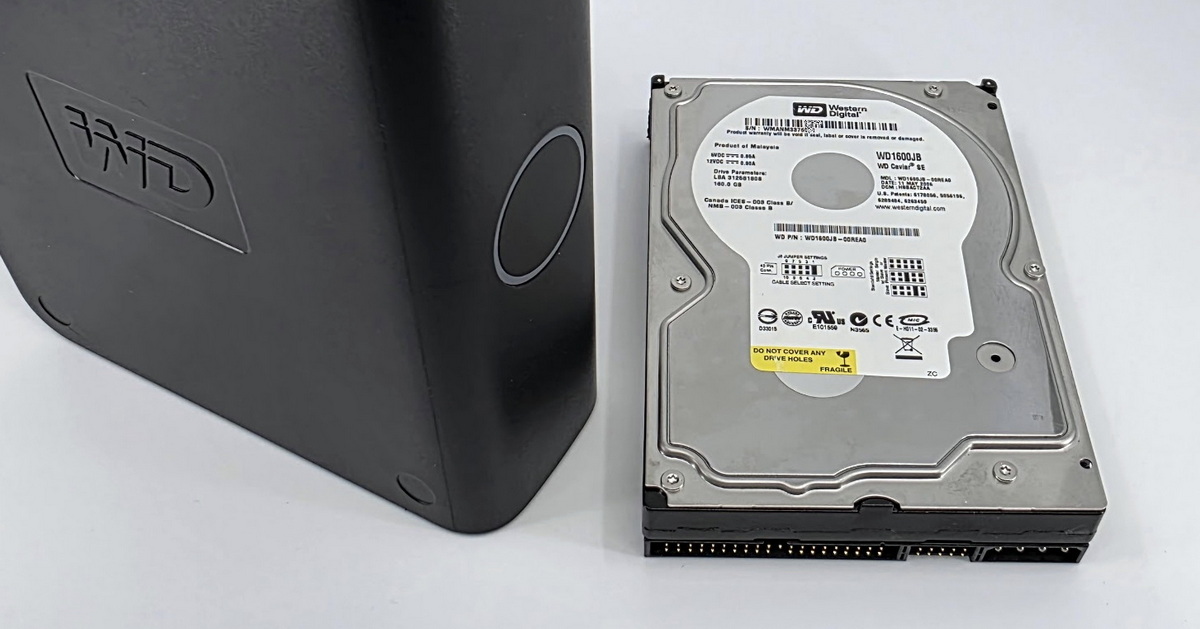
WD My Book is a 3.5" external hard drive designed for desktop use. Unlike the portable 2.5" lines (My Passport, Elements Portable), it has its own 12 V power adapter, and the USB interface serves only for data connection. It is currently sold in capacities of 4 / 6 / 8 / 12 / 14 / 16 / 18 / 22 / 24 / 26 TB; the dual-drive My Book Duo variant comes in capacities of 16 / 20 / 24 / 28 TB (2× WD Red or WD Gold inside). The internal drive is typically WD Red or Blue, and for higher capacities one of the Ultrastar models (e.g., WD140EDFZ in 14 TB models, WD220EDGZ in 22 TB models).
Typical situations in which My Book drives arrive at our laboratory:
If you are dealing with WD My Book Live or My Book Live Duo, these are network attached storage (NAS) units running Linux with the EXT4 file system, not USB external drives. Their architecture, recovery procedures, and typical failures differ fundamentally—please go to the WD My Cloud and NAS network storage page.
→ Main WD pillar: Western Digital (WD) hard drive data recovery—an overview of all product lines, internal HDDs, external My Passport, network My Cloud, and WD SSDs.
2× photo: WD My Book internal layout (cover removed + bridge PCB detail)
Hardware AES-256 encryption via a USB bridge has historically been a frequent feature of WD My Book drives, but it is not present uniformly across all generations. With older families (My Book Essential, Studio, Mirror Edition), encryption was always active, even when the user had never set a password via WD Security. With the current generation (the WDBBGB family with newer bridge chips), encryption activation is in most cases tied to installing and configuring WD Security—if the user never used the utility, the drive may in fact be unencrypted, and an extracted drive can be read directly via SATA. We always verify the specific status during diagnostics.
Where encryption is active, it takes place on the USB bridge PCB in the plastic enclosure—between the host's USB interface and the SATA interface of the internal drive. From the user's perspective, the difference is not noticeable during normal operation; after a bridge failure, however, it plays a critical role:
Bridge chips differ across generations—older models typically use Symwave SW6316, JMicron JMS538E, Initio INIC-1607E, or Oxford OXUF943SE; My Book Duo and newer single-bay models typically use JMicron JMS561 or JMS567. Each generation requires a corresponding decryption procedure.
In our laboratory, we use ACELab PC-3000 technology with the Drive/Bridge Security module and the professional version of UFS Explorer Professional Recovery / Technician, which has supported decryption of JMS538E, INIC-1607E, OXUF943SE, and SW6316 since 2021 and is gradually expanding support to JMS561 (My Book Duo). The procedure typically involves working with the bridge's service data, or transferring key chips from the original electronics to a donor board.
If the user has additionally set a password via WD Security and knows the password, recovery is relatively straightforward. If they do not know it, the situation is significantly more complex—with some older families the procedure can be discussed individually, but for most modern families recovery without the password is not possible.
→ Detail on the encryption difference between My Book and My Passport: External drive encryption — the difference between My Book and My Passport in the main WD pillar, or the My Passport page.
WD My Book Duo is the dual-drive variant with its own JMicron JMS561 dual-SATA bridge and an ASMedia ASM1074 USB hub. The bridge provides hardware AES-256 encryption—Western Digital's documentation explicitly states that encryption on My Book Duo is always active and cannot be disabled.
For data recovery, one detail is critical with My Book Duo: from the factory, it is configured as RAID 0 (stripe). This means the data is split across both drives, and failure of one drive means the unavailability of all data from both. The array has no redundancy like RAID 1 or RAID 5—the failure of one drive is not “an error you can survive.”
In practice, we handle three typical scenarios:
Important: WD Drive Utilities can switch My Book Duo between RAID 0, RAID 1, JBOD, and Span. Never use this function if you have data in the array that is not yet backed up elsewhere—the switch is a destructive operation.
→ More on RAID array data recovery: RAID data recovery.
WD My Book failures sorted by frequency in our laboratory:
After a drop or impact, the read heads or data platters become damaged—the classic symptom is clicking or ticking on power-up. Do not power on the drive again; every additional spin-up with damaged heads typically damages the platters where the data is stored, reducing the chance of successful recovery. The procedure is in most cases a standard laboratory intervention—read head transplant in a laminar flow box, followed by data imaging.
The drive disconnects spontaneously, copying is interrupted, transfer rates fluctuate. With My Book, this symptom is further complicated by USB bridge behavior: JMS561, JMS567, and similar bridge chips do not have robust timeout management, so after the first problematic sector the bridge freezes and the user sees “drive disconnected” in Explorer. This does not mean the drive is dead. After removing the drive from the plastic enclosure and connecting it directly via SATA in our laboratory, the data can in most cases be read using professional imaging (PC-3000, UFS Explorer Professional / Technician), which handles bad sectors by working directly with the drive outside the USB interface.
After improper disconnection (pulling the drive out without “safe removal,” failure of the power adapter), the file system may be damaged—NTFS and exFAT in standard configurations, HFS+ or APFS in “for Mac” models, in some cases also ext4. The drive reports as “needs to be formatted” or is not visible at all. Never accept the formatting prompt—the data is still on the drive, but the logical structure is corrupted. Recovery in these cases is usually relatively straightforward; the drive must, however, not be written to any further.
Typically after overvoltage in the mains, a short circuit, the use of a wrong power adapter, or reverse polarity on the power input—any of these events can damage the drive's external electronics, and possibly the internal electronics of the drive itself. The drive inside may be physically intact, but if its generation has active hardware encryption, the data is inaccessible without a working bridge. Simply replacing the bridge PCB with one from another My Book leads nowhere—recovery requires working with the bridge's service data, transferring key chips from the original electronics to a donor board, or offline decryption with a key extracted from the original electronics' firmware. The procedure requires PC-3000 or UFS Explorer Professional / Technician, a micro-soldering station, and a microscope.
The plastic My Book enclosure is not waterproof, and the hard drive itself is only dust-tight from the factory. With brief contact with water (a spilled drink, humidity), the external electronics are usually affected first along with oxidation of the contacts—the drive itself usually remains intact, and data recovery follows standard procedures. With longer exposure, immersion in water, or flooding, however, water reaches the internal space of the drive as well and may damage the data platters and read heads. Helium-filled drives (typically capacities of 12 TB and above) are more resistant in this respect thanks to the hermetic sealing of the drive body. In any case: do not power on the drive after contact with water, do not dry it using any “home” methods, and deliver it to the laboratory as soon as possible.
→ General information on mechanical 3.5" hard drive failures: Hard drive (HDD) data recovery.
1× photo: head-stack damage on 3.5" drive from My Book after a drop
With older families of My Book and with My Book Duo, hardware AES-256 encryption via the USB bridge is typically active at all times, and after extracting the drive the data is unreadable without the correct bridge and key. With the current generation of single-disk models (the WDBBGB family), however, encryption is often not active if the user never set a password via WD Security themselves—in such cases the drive can be connected via SATA and the data read directly.
Without physical diagnostics, we cannot tell in advance which category a particular drive falls into. If your My Book has failed, leave it in its original state and contact us—diagnostics is free of charge, and verifying the encryption status is its standard part.
In most cases yes, but the outcome depends on the specific array configuration, the bridge chip generation, and the condition of the individual drives. My Book Duo is configured from the factory as RAID 0 via the JMicron JMS561 bridge with hardware encryption enabled—data recovery therefore involves both array reconstruction and decryption. It is a standard laboratory procedure that we handle routinely.
We always determine the specific situation through free diagnostics—we will tell you what happened to the array, what path the recovery would take, and how much it would cost. Only then do you decide whether to proceed.
No, in most cases not. A wrong power adapter or reverse polarity typically damages the drive's external electronics, and possibly the internal electronics of the drive itself. If the overvoltage did not damage the platters or the read heads, data recovery is feasible, but it is not a case for simple PCB replacement.
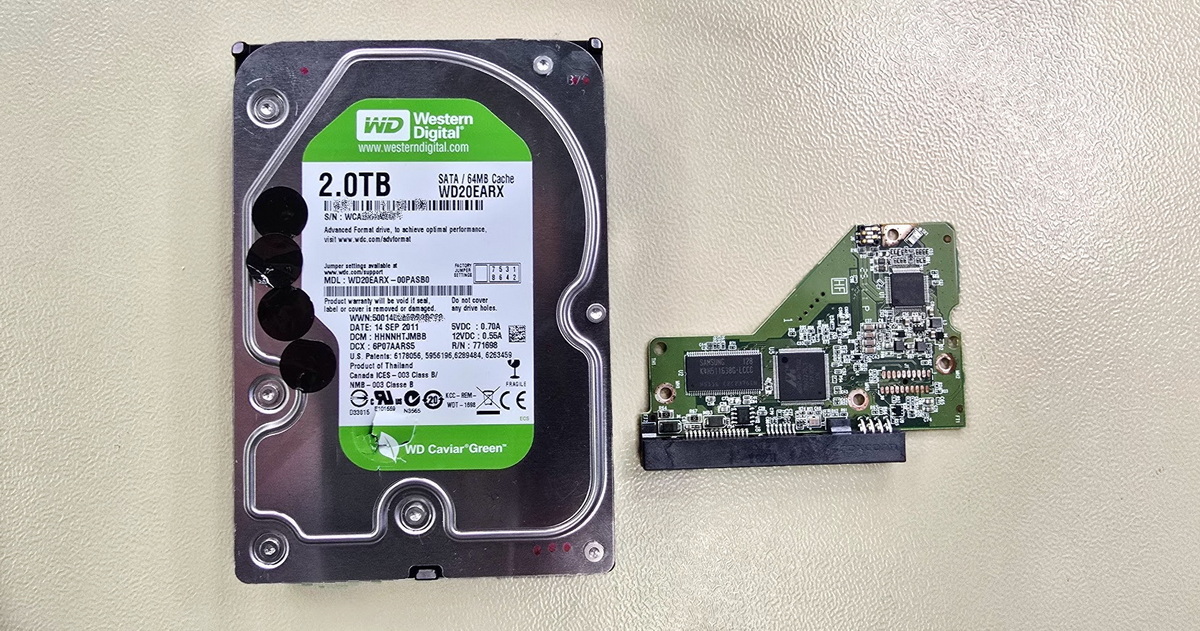
A hard drive has adaptive service data stored in the ROM on the PCB and in the service area on the data platters; in addition, hardware encryption via the bridge may be active on My Book, so recovery requires working with service data, transferring key chips, or decryption with a key extracted from the original electronics' firmware. Do not power on the drive again, and contact us.
With some older families of My Book the procedure can be discussed individually; for most modern drives, recovery without the password is not possible—encryption is part of the architecture with no possibility of bypass. We always verify the specific status during free diagnostics.
For all jobs of this type, we require proof of ownership of the device or the data—an invoice, the original packaging with serial number, or a declaration of data ownership. It is a standard procedure that protects both the client and us.
My Book Live is a network attached storage unit (NAS) running Linux with the EXT4 file system, a different product from the USB My Book. After a factory reset, the partition table and file system structure are overwritten, but in some cases user data remains on the platters and can be reconstructed using a forensic procedure.
The recovery procedure differs fundamentally from USB My Book—see our page on WD My Cloud and NAS network storage.
1× photo: PC-3000 setup with drive extracted from My Book
EXALAB Data Recovery
Microshop s.r.o.
Pod Marjánkou 4
169 00 Praha 6
Česká Republika
Opening hours:
Monday to Thursday
9.00 - 18.00
Friday 9.00 - 17.30
other opening hours are possible upon agreement
Hotline: +420 608 177 773
Office: +420 233 357 122
E-mail: info@exalab.cz
Hotline: +420 608 177 773
Kancelář: +420 233 357 122
E-mail: info@exalab.cz
Opening hours:
Monday to Thursday
10.00 - 18.00
Friday 10.00 - 17.30
other opening hours are possible upon agreement
EXALAB Data Recovery
Microshop s.r.o.
Pod Marjánkou 4
169 00 Praha 6
Česká Republika