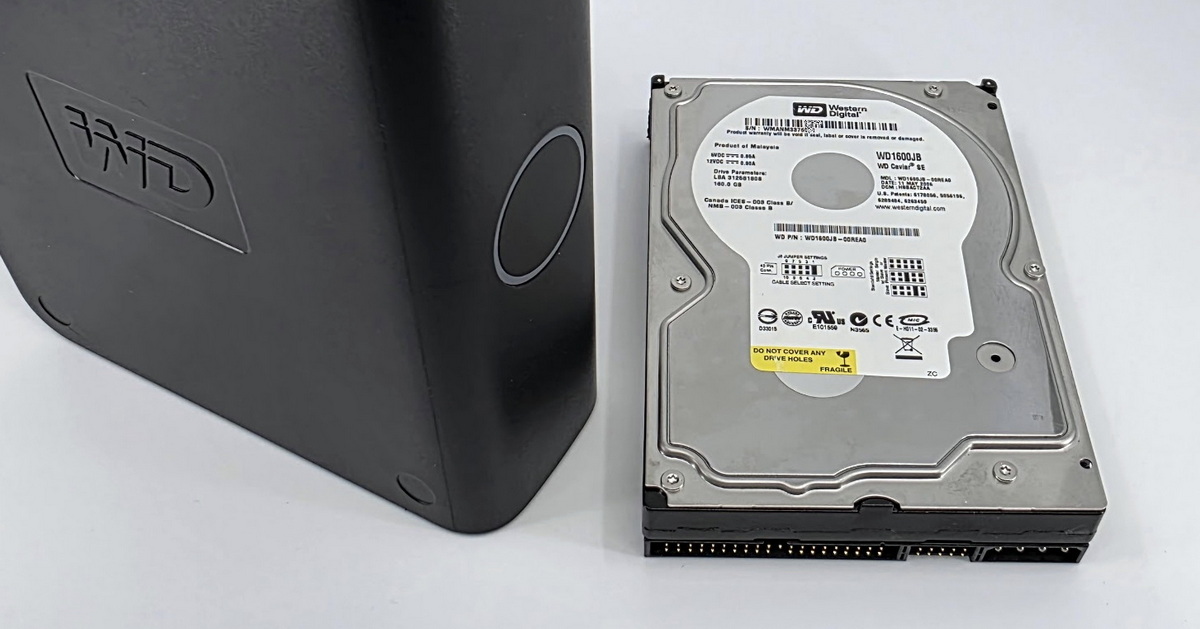
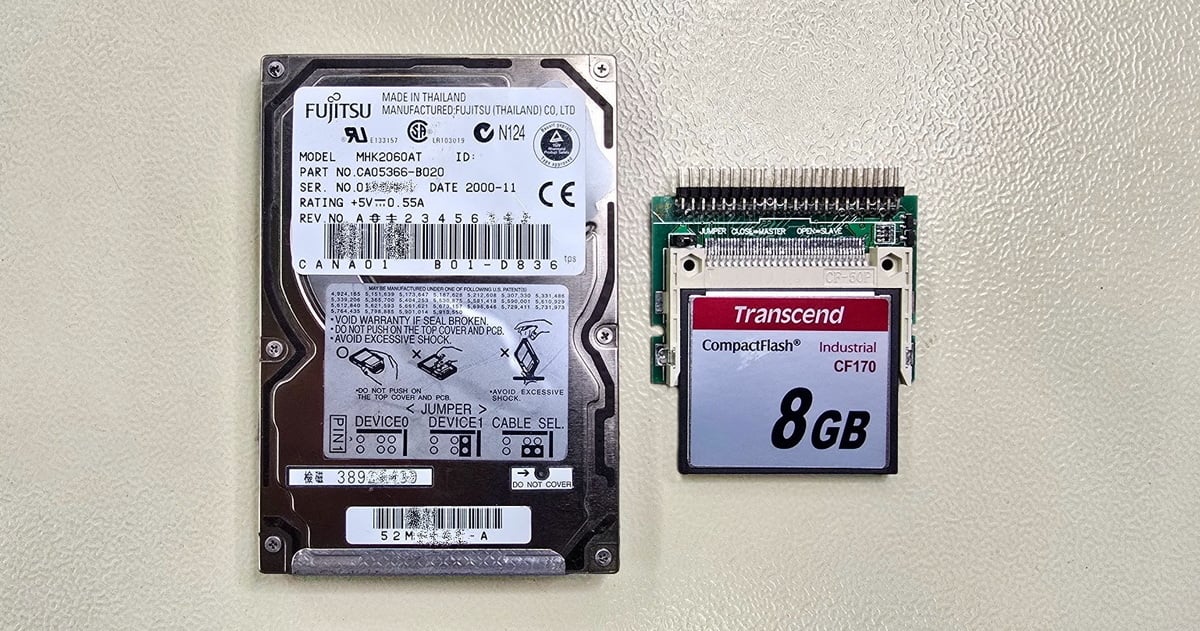
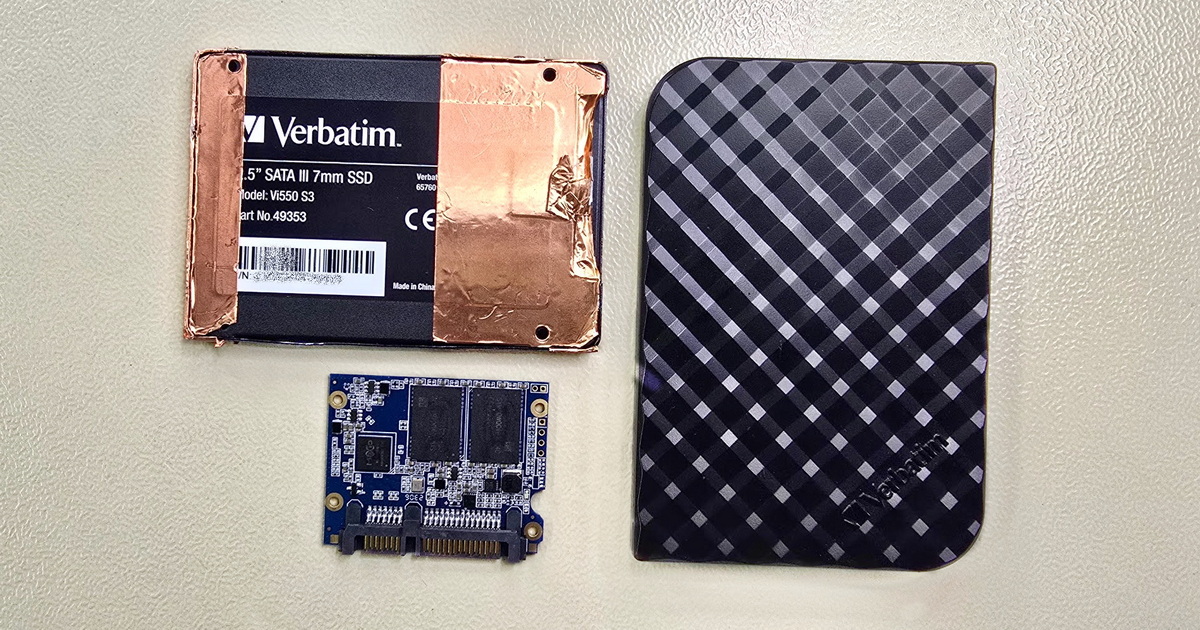
The system used a 16 GB SATA DOM (Disk On Module) from Apacer, functioning like a standard 2.5" SATA SSD. The disk showed flash memory errors that affected the readability of several system areas and ultimately caused the operating system to fail.
Data recovery from a DOM follows the same principles as SSD recovery
The recovery procedure was nearly identical to working with a standard SSD. We first created a full binary image of the original disk, including all bad areas, and then used professional forensic tools to correct the reading of as many defective sectors (or NAND blocks) as possible — those that prevented proper data access. Afterward, we analyzed the partition structure and file system, identified corrupted components, and prepared a disk clone for further system repair.
Several system files were damaged, including the key Windows registry hive (represented on disk as the COMPONENTS file). System files were replaced using the matching Windows installation media, but registry repair can be significantly more complex. In this case, however, the relatively small file size (37 MB) and limited corruption offered a realistic chance of recovery.
Binary analysis showed the hive had a valid header and contained over 9,400 HBIN blocks, most of which were readable. We prepared two recovery variants:
- a truncated file with the corrupted region removed
- a modified file with a jump over the damaged block
Variant A proved functional and Windows booted successfully, but the job wasn't finished yet. The computer operated a specific production application, and it wasn’t possible to fully test it on-site. The client later performed verification in their environment and confirmed full functionality — the system recovery and DOM data restoration were successful.
Replacing a DOM with an SSD
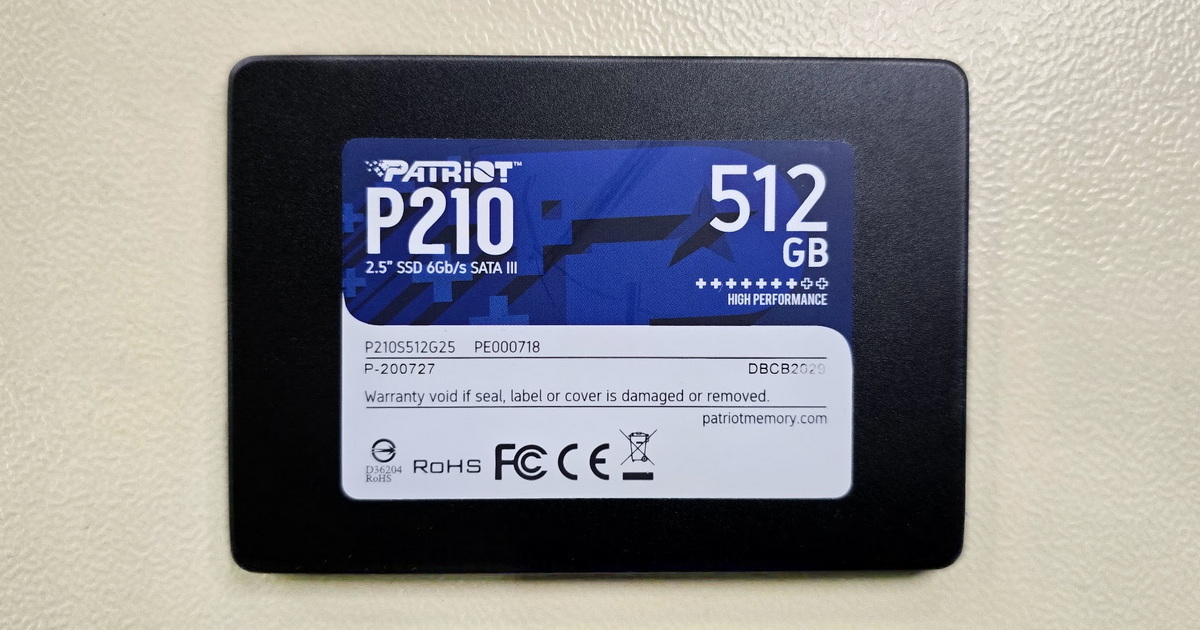
Replacing a DOM with a standard SSD may be viable in certain scenarios, provided the interface and controller mode (e.g., IDE) are compatible. SSDs offer far better availability and capacity compared to specialized DOM modules. On the other hand, DOM devices are designed for higher mechanical durability and long-term industrial operation. For systems where robustness, minimal power draw and maintenance-free operation are critical, keeping a DOM module may be the safer and more conservative choice. However, if fast system recovery is required and no replacement DOM is available, an SSD — with the correct BIOS mode — is a valid alternative.
We had to verify whether the DOM could be replaced with a regular SSD. The BIOS (an AMI version from 2013) supported both IDE and AHCI modes. Although the original DOM operated in IDE mode, the replacement SSD was detected without issues — the only requirement was choosing a compatible controller mode in the BIOS.
Summary and recommendations
- Industrial PCs running Windows Embedded on DOM modules can often be replaced with standard SSDs — assuming the SATA controller mode is compatible
- Damaged registry hives can sometimes be repaired if the majority of HBIN blocks remain intact
- Recovering similar systems benefits from a combination of forensic imaging, binary analysis, and experience with embedded environments
- The simplest solution would have been restoring the system from a backup. However, this device had worked flawlessly for roughly 11 years and was likely considered reliable and practically indestructible. This case once again shows that no storage device is perfect — regular backups remain the only effective protection against data loss.
DOM (Disk On Module) – a compact flash-based storage device commonly used in industrial computers, connected via SATA, IDE, or proprietary interfaces. It may come in a 2.5" form factor or as a direct connector module; functionally behaves like an SSD.
Windows registry / COMPONENTS hive – a binary file representing a key part of the Windows registry. It contains metadata about installed components, libraries, and dependencies within the WinSxS system, and is essential for proper operation of Windows integrity checks and updates.
HBIN block – a structural block within a registry hive file, the fundamental unit used to store keys and values.
- Details
- By Frantisek Fridrich
- Parent Category: Blog
- From Practice