EXALAB Data Recovery
  • Home
  • Data recovery
    • HDD
    • SSD
    • Apple
    • RAID
    • NAS
    • USB drives
    • SD cards
    • Smartphones
  • First Aid
  • Price List
  • FAQ
  • Blog
    • From Practice
    • Explanations and Tips
  • Contact
EXALAB Data Recovery
  • Home
  • Data recovery
    • HDD
    • SSD
    • RAID
    • NAS
    • Apple
    • USB drives
    • SD cards
    • Smartphones
  • First Aid
  • Price List
  • FAQ
  • Blog
    • From Practice
    • Explanations and Tips
  • Contact
English
  • Czech (Čeština)
  • English

Apple Data Recovery

We recover deleted or unavailable data from your MacBook, iPhone, iPad or any other Apple product.

Our long-term experience in the field of data recovery from Apple products allows us to offer customers assistance in data recovery and data rescue from any Apple product. If you are experiencing problems with your iMac, MacBook, iPhone, iPad or any other Apple device, don't hesitate to contact us, our specialists will help you.

If you detect problems with your Apple device:

  • Turn off the device (computer, laptop, smartphone...).
  • Do not continue to use the device, do not switch it on (otherwise your data may be seriously damaged or overwritten).
  • Especially for mechanically damaged devices the above applies twice. Do not make unprofessional attempts to access data.
  • Take advantage of our FREE diagnostics.
Order Diagnostics for free

Possible problems with MacBook or iMac

  • Data is unavailable, device does not boot.
  • Apple external drive cannot be mounted.
  • External disk not recognized.
  • Slow data access.
  • Only some data are unavailable, and the device is functioning normally.
  • Operating system reports a SMART disk error.
  • Disk partition deleted or formatted by mistake.
  • Hard disk encryption issues (not user-configured software encryption).
  • Problems with software disk encryption (FileVault).
  • Not an HFS or APFS partition, Apple does not want to work with the partition.

iPhone and iPad - Data recovery and data rescue

Recovery from iPhone and iPad can be more complicated than from computers. Our specialists follow the latest trends in data processing and strive to meet our customers' needs and help with data recovery, whatever the device.

Possible problems with iPhone or iPad

  • The device is not charging.
  • It freezes when turned on and only displays the Apple logo.
  • It does not work after contact with water.
  • Only horizontal lines are displayed.
  • The device has frozen in recovery mode.
  • Operating system upgrade failed.


Whatever the problem with your device, you can use our free diagnostics. And if you are far away from us or you don't have time, you can use the free pick-up facility.

Confirmation of a defect for your insurance company

Is your data insured? Before you confirm your order, we will provide you with a “fault report” to have your data rescue approved by your insurance company before you confirm your order.

Consultation
Non-binding diagnostics
Free pickup

Please complete all required fields!

Invalid Input
Invalid Input
Invalid Input
Invalid Input

Would you like to arrange a free pickup? Enter your address

Invalid Input
Invalid Input
Invalid Input

From our blog

Industrial PC with a Failed DOM: Restoring Windows Embedded Standard 7 in Practice
Číst více
HDD Diagnostic and Disk Recovery – What You Need to Know
Číst více
Data Recovery from NAS Netgear – When RAID 5 Fails
Číst více
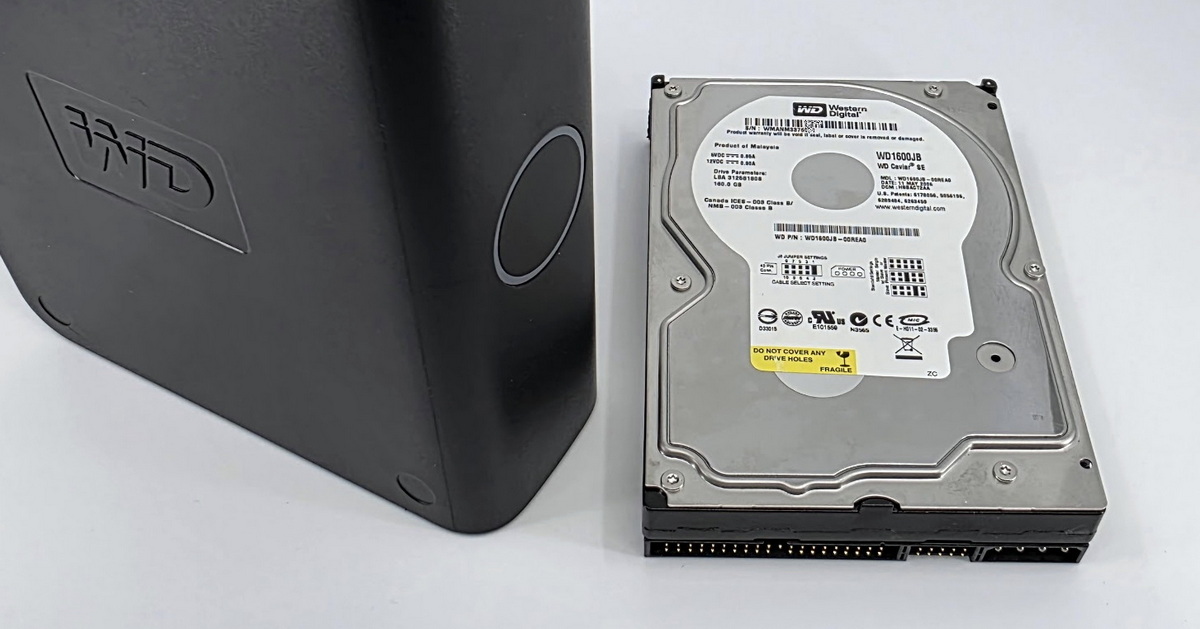
Data Recovery from a WD External Drive with Electronic Failure
Číst více
Data Recovery from an Older Mobile Phone. After Years in a Drawer, It Refused to Turn On
Číst více
Data Recovery from OCZ SSD: Data Flow Managed by SandForce Controller
Číst více
Data Recovery from a Toshiba External Hard Drive
Číst více
Data Recovery from a Western Digital External Drive. It Didn’t Make a Sound When Connected
Číst více
Inexpertly opened, underwent foreign diagnostics, then ended up with us. Data recovery from a 5TB Seagate hard drive
Číst více
previous arrow
next arrow

Contact

EXALAB Data Recovery
Microshop s.r.o.
Pod Marjánkou 4
169 00 Praha 6
Česká Republika

Opening hours: 
Monday to Thursday
9.00 - 18.00
Friday 9.00 - 17.30
other opening hours are possible upon agreement

Hotline: +420 608 177 773
Office: +420 233 357 122
E-mail: info@exalab.cz

Contact

Hotline: +420 608 177 773
Kancelář: +420 233 357 122
E-mail: info@exalab.cz

Opening hours: 
Monday to Thursday
9.00 - 18.00
Friday 9.00 - 17.30
other opening hours are possible upon agreement

EXALAB Data Recovery
Microshop s.r.o.
Pod Marjánkou 4
169 00 Praha 6
Česká Republika
DATA RECOVERY MEDIA CITIES FAQ ABOUT US TESTIMONIALS PARTNER PROGRAM GLOSSARY CONTACT TERMS AND CONDITIONS GDPR COOKIES QUALITY RATING OF OUR SERVICES JOB OPPORTUNITIES COOKIES SETTINGS

Data recovery from all types of storage media Czech Republic.

© 2006-2023 FF & Microshop Česká republika