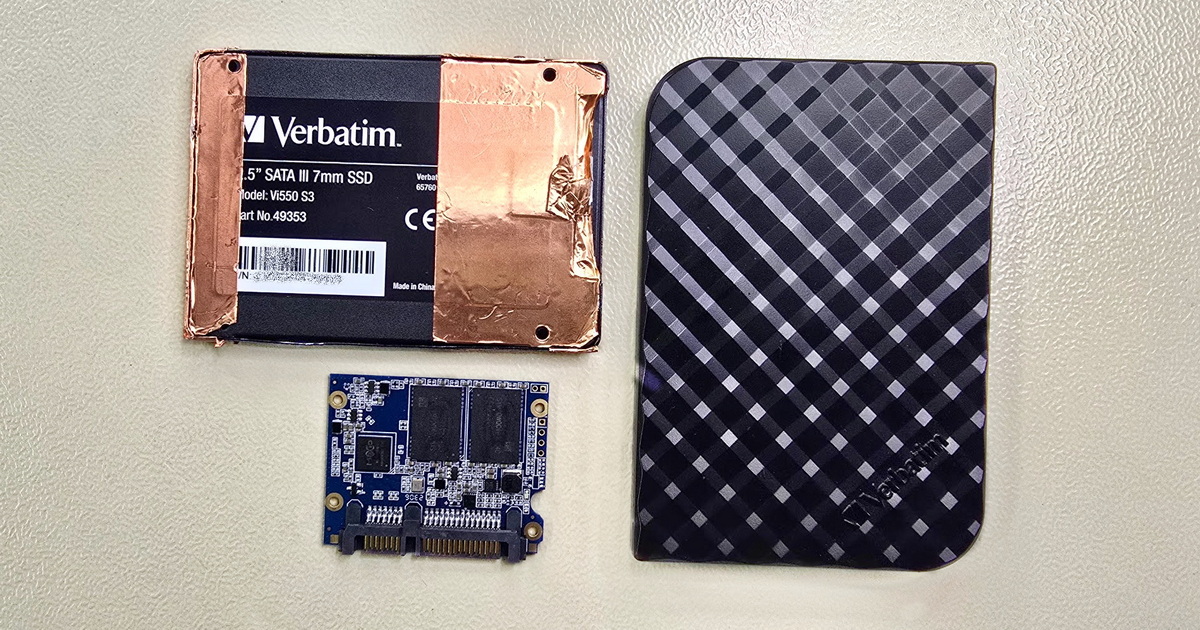
These findings fundamentally change previous assumptions about how TRIM and Garbage Collection behave — an SSD can retain data longer than we thought. New algorithms introduced this year by Acelab in PC-3000 and Data Extractor 7.8 demonstrate that data on an SSD does not have to be lost after deletion or formatting. Although modern SSDs typically include TRIM and Garbage Collection, it doesn’t mean the firmware immediately applies them to freshly deleted data. Data in the memory cells can remain stored for a very long time after deletion.
These new insights also confirm that SSD data recovery does not have to mean a simple RAW dump of files. Thanks to reconstruction of the Translator, it is often possible to restore the original directory structure and file system as they looked before the loss. And not only that — in some cases it is even possible to access older versions of the Translator, i.e., older versions of the data, which opens up entirely new possibilities for SSD recovery.
And this is exactly what can put a smile on the face of a desperate user as well as a forensic expert, who can peer deeper into a drive’s history than was previously possible thanks to these techniques.
Engineers at Acelab analyzed several popular SSD controllers (e.g., SM2259XT, Phison E12, Marvell 88SS1074) and found that most of them do not immediately overwrite data blocks physically, as long assumed. Instead, they only change the state in the Translator — the internal system that maps logical to physical addresses. The physical data then remains in the cells intact for weeks or even months until the space is reused for new writes.
What is TRIM: TRIM is an operating system command that informs the SSD that certain blocks are no longer needed. The drive can physically erase them when idle. The goal is to speed up future writes and extend the lifespan of memory cells. In practice, however, the SSD does not always erase immediately.
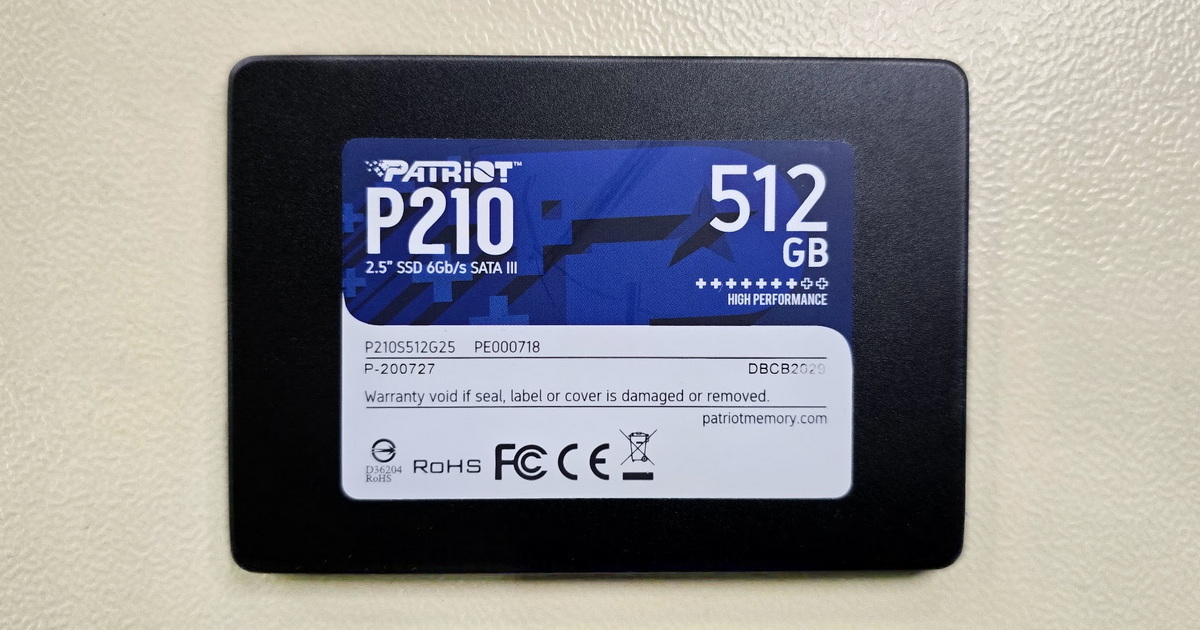
TRIM speed in practice: As it turns out, executing TRIM on a 512 GB drive could theoretically take only a few seconds, depending on the controller and NAND speed. In reality, TRIM is often processed asynchronously and gradually — the drive finishes the operation when it is not busy with other tasks. TRIM may also kick in only when free capacity runs low, which helps explain why remnants of data can persist in the cells for longer.
Garbage Collection: A background process on SSDs that frees blocks marked as empty. It improves performance but can cause some data to be irreversibly erased over time. In fact, TRIM only marks data via a command as no longer needed — the actual physical removal of those blocks is handled by Garbage Collection, often with a delay or during periods of low load.
What is the Translator: The Translator is a key logical structure of the SSD that links logical sector addresses (LBA) to physical addresses on NAND chips (PBA). If the controller fails or partitions are deleted, the Translator may be damaged or overwritten, yet the physical data often remains in the SSD’s memory cells.
Why was SSD recovery long considered impossible?
For many years the prevailing view was that, due to TRIM and Garbage Collection, SSDs do not allow any meaningful data recovery. This assumption stemmed from how SSDs work — firmware optimizes performance and cell lifespan by distributing writes evenly. In practice, however, this means old blocks are not destroyed immediately; they are only “marked” as free. And this is where specialized tools come in, capable of analyzing the physical structure of NAND chips and reconstructing original data through the Translator — i.e., identifying where each data fragment resided before the loss.
What this means for users
For everyday users it means one thing — formatting or reinstalling an OS on an SSD does not necessarily mean permanent data loss. If the drive has not been extensively overwritten, there is a real chance to recover documents, photos, and other important files. The key is to stop using the drive immediately and avoid any reinstalls or system updates that might overwrite the old data.
However, these advanced recovery techniques can only be applied to certain SSDs that are technologically supported and provide access to internal structures. There are still many SSD models for which such recovery is currently not possible, and it is not certain that all drives handle TRIM and Garbage Collection the same way. On some controllers, free-block management can be more aggressive, which significantly reduces the chances of SSD data recovery.
How SSD data recovery works
When working with older versions of the Translator, it is sometimes possible to reconstruct older logical structures of the file system as well. Some SSDs keep backed-up or previous versions of the Translator that can be analyzed with tools like PC-3000 to partially restore the historical state of the data. This further confirms that physical data can persist even through multiple formatting and rewrite cycles.
In professional labs such as EXALAB, recovery as described is performed exclusively on SSDs that are technologically supported by PC-3000 tools. New versions of this system make it possible to reconstruct the original data structure even when the entire drive was deleted, marked for deletion by the TRIM command, or suffered a controller/firmware failure. Advanced algorithms evaluate data-block redundancy, repair the Translator, and can restore logical volumes where supported by the specific SSD model. It is also possible to work with historical Translator versions that some drives keep as internal backups of previous states, enabling recovery from earlier points in time.
These procedures can only be used on SSDs with technological support and access via a service interface. There are still many models where this level of access is not available, leaving recovery beyond the reach of current tools.
Conclusion: Formatting an SSD doesn’t have to be the end
Recovery can be successful if the drive reaches experts in time.
It is therefore clear that SSDs retain data much longer than previously assumed. What was considered impossible until recently is now becoming reality — data recovery after formatting or deleting an SSD is possible. It does not mean it always works, but there is hope — and with it a chance to bring lost files back to life.
If you are facing a similar issue — deleted data, an SSD after formatting, OS reinstall, or firmware failure — do not hesitate to contact us. At EXALAB, we have extensive experience with advanced recovery from SSDs, hard drives, RAID, and mobile devices, and we use the latest technologies first presented at Techweek 2025.
👉 Contact us — diagnostics are free.
- Details
- By Frantisek Fridrich
- Blog