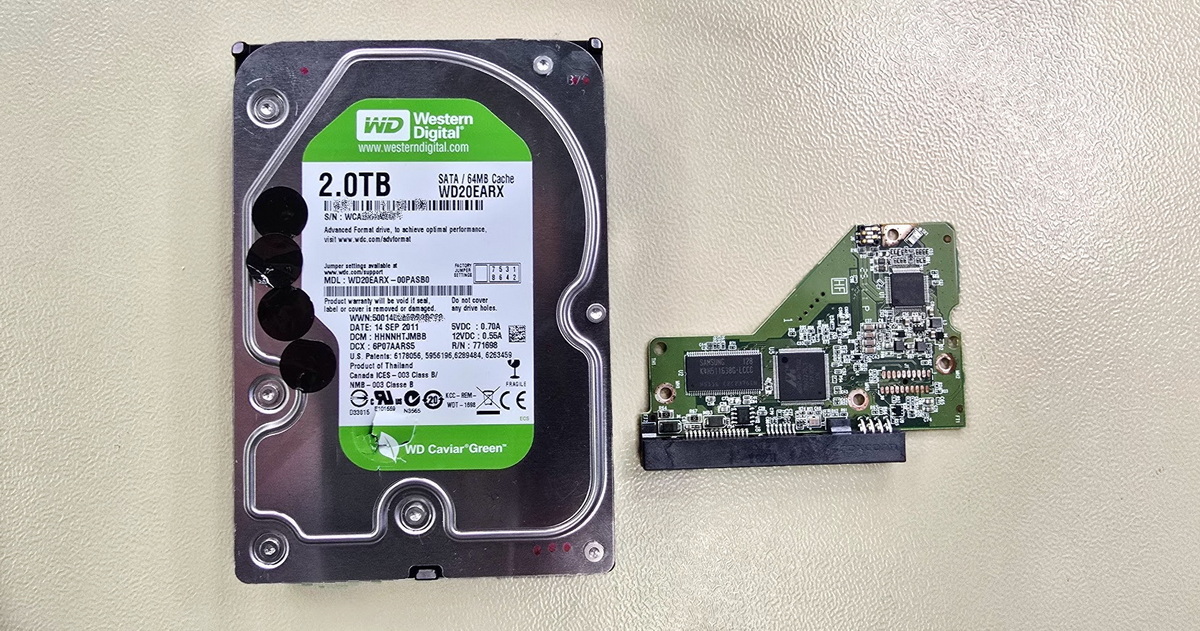
Visual inspection made it immediately clear that the seal between the top cover and the drive body had been damaged in one spot – likely pried open with a screwdriver or similar tool. Inside the drive, there were visible smear marks on the top platter, indicating the drive had been powered on after being opened. Fortunately, the internal environment was relatively clean, but the signs of previous tampering were unmistakable.
Why amateur drive opening is so risky
A hard drive is designed as a sealed system with a precisely controlled internal environment. The read/write heads hover above the platter surface at a height measured in nanometres. Any dust particles, fingerprints, or mechanical damage caused by careless handling can lead to irreversible destruction of the data surface. If the drive is powered on after such an intervention, damaged or contaminated heads can literally scrape the magnetic layer off the platters. More about mechanical damage to hard drives and its consequences on our page HDD data recovery – mechanical damage.
In this case, the amateur intervention significantly complicated and increased the cost of the recovery. The previous opening was visible at first glance – removed screw seals on the top cover, damaged gasket, and smear marks on the platters are impossible to miss for an experienced technician. That said, opening a drive doesn't always spell disaster. Sometimes a client or an IT technician opens a drive, realises the problem is beyond their capabilities, and closes it back up. As long as they don't poke around inside or power the drive on again, the damage may be limited. In this case, however, someone did power the drive on after opening it – and that made all the difference. If you know that someone has already tampered with a drive, always mention it during consultation. It saves time and helps us choose the right approach from the start.
A surgical approach instead of routine replacement
After a detailed analysis of the read/write heads, we identified damage to at least one of them. Head number 5 had come into collision with the platter surface as a result of mechanical failure and the previous amateur intervention. The smear mark on the platter in this area matched the contact pattern of a damaged head against the data surface.
A full head swap would not have been the optimal choice in this case – new heads would have come into contact with the contaminated surface and could degrade rapidly. Instead, we chose a more targeted approach: we removed the damaged head, thoroughly cleaned the remaining heads and the platter surfaces, and modified the service data so the drive could operate without the missing head. The drive initialised successfully, and after resolving additional service area errors, we were able to begin creating a binary copy. That said, this approach doesn't always work. Each case requires a detailed analysis of the specific drive model and careful selection of the right procedure – there is no universal recipe. For more on the symptoms and causes of clicking and grinding in hard drives, see our page HDD data recovery – clicking, grinding, unusual noises.
We recovered over 22,000 files, including the photos and videos the client was most concerned about. Data from the platter surface served by the damaged head was inaccessible, but most of the files the client needed were on the remaining surfaces.
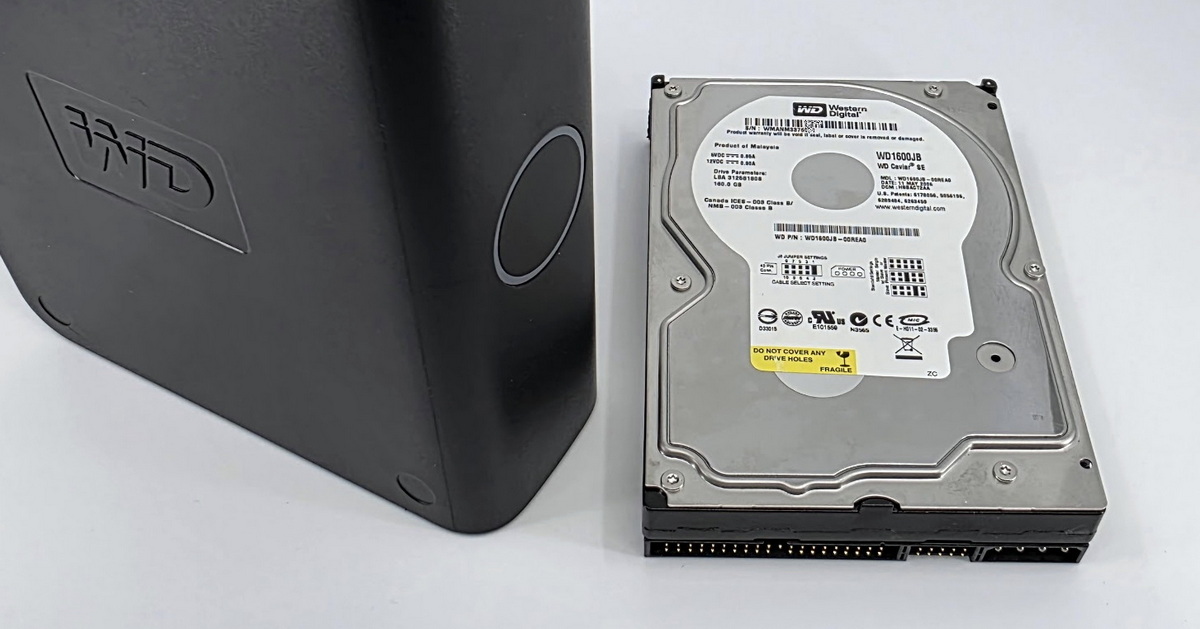
Device: WD My Book 2TB (internal drive WD Caviar Green WD20EARX)
Problem: Mechanical damage to read/write heads and platters, drive previously opened by non-specialist
Solution: Removal of damaged head, platter and head cleaning, service data modification
Result: Over 22,000 files including key photos and videos successfully recovered
If your drive has suffered a fall or impact, is making unusual noises, or has stopped working, do not attempt a DIY repair. Opening a hard drive outside a specialised facility and without the necessary expertise almost always makes things worse – and more expensive. Read more about when it makes sense to attempt recovery yourself and when to call in the professionals, or contact EXALAB directly for a free diagnostic assessment.
Technical terms explained
Service Area (SA) – a region on the hard drive platters where internal information essential for proper drive operation is stored. It includes calibration data, the defect map, and head configuration, among other things. Without correct service data, the drive cannot communicate properly with the computer or access user data.
ROM (Read-Only Memory) – in the context of hard drives, this refers to a memory chip on the drive's PCB that contains a portion of the service data specific to that individual drive. By modifying the ROM, it is possible to change the active head configuration – which was essential in this case to allow the drive to operate without the removed head.