EXALAB Data Recovery
  • Home
  • Data recovery
    • HDD
    • SSD
    • Apple
    • RAID
    • NAS
    • USB drives
    • SD cards
    • Smartphones
  • First Aid
  • Price List
  • FAQ
  • Blog
    • From Practice
    • Explanations and Tips
  • Contact
EXALAB Data Recovery
  • Home
  • Data recovery
    • HDD
    • SSD
    • RAID
    • NAS
    • Apple
    • USB drives
    • SD cards
    • Smartphones
  • First Aid
  • Price List
  • FAQ
  • Blog
    • From Practice
    • Explanations and Tips
  • Contact
English
  • Czech (Čeština)
  • English

How Data Recovery Works – A Step-by-Step Guide

How does professional data recovery actually work? From the initial contact through diagnostics to handing over your recovered files. In this guide you'll find answers to the most common questions about the process, pricing and success rates for different types of media.


Consultation with a technician Consultation with a technician Free diagnostic evaluation Data recovery price list
Free diagnosticsfree consultation, diagnostics, pick-up
You pay only for successno data – no fee
Express recovery 24/7priority service available
Success rate > 95%own EXALAB laboratory

→ Full service overview: Data recovery from all media types

Data recovery step by step

1. Initial consultation

Call us or fill in the contact form. A technician will discuss the circumstances of your data loss – media type, symptoms and urgency. Based on this information we'll estimate the probability of successful recovery and provide a ballpark price. The consultation is free and non-binding.

2. Media intake and diagnostics

You can bring the media to our lab in person or use our free pickup service – available across the Czech Republic and by arrangement from other EU countries. For urgent cases, same-day diagnostics is possible; standard turnaround is within a few business days. The result is a precise fault identification, success estimate and a binding price quote – we only begin recovery after your approval.

3. Data recovery

Recovery time depends on the media type, extent of damage and chosen priority level. We offer express service for urgent cases. Our lab uses ACELab PC-3000 technology alongside a range of other specialized tools – from an ISO Class 5 cleanroom for hard drives, through soldering and BGA rework stations for mobile devices, to proprietary software tools for file system reconstruction.

4. Data handover

We verify the recovered data and prepare it on new media. You can pick it up in person or we'll ship it via courier. You only pay for successfully recovered data – if recovery isn't possible, you pay nothing.

How much does data recovery cost?

Pricing depends on the media type and severity of damage. We always provide the exact price after diagnostics, before starting recovery. Details are available in our data recovery price list.

What media do we recover data from?

The recovery process differs depending on the type of damaged media. Detailed information about procedures, pricing and success rates can be found on the individual service pages:

  • HDD data recovery – internal and external hard drives of all brands
  • SSD data recovery – SATA, NVMe, M.2, USB drives
  • RAID data recovery – server disk arrays RAID 0, 1, 5, 6, 10
  • NAS data recovery – Synology, QNAP, WD My Cloud and more
  • Phone data recovery – Android, iPhone and more
  • Memory card data recovery – SD, microSD, CF and more
  • USB flash drive data recovery – all brands
  • Apple data recovery – MacBook, iMac, iPhone, iPad

From our blog

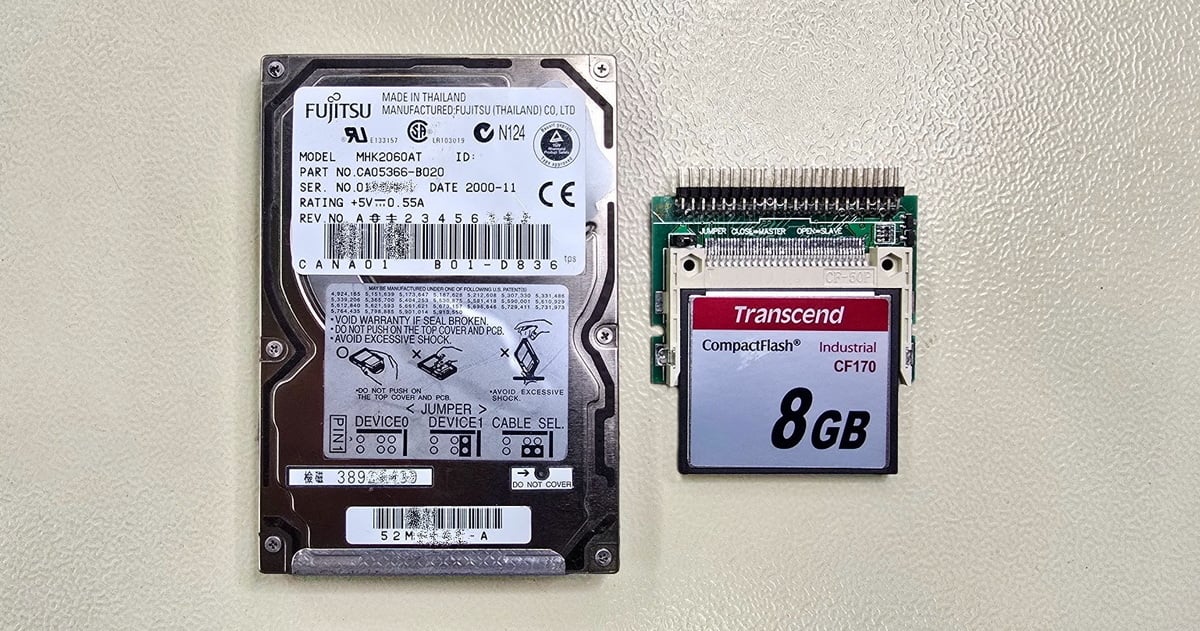
  • Fujitsu MHK2060AT hard drive and a Transcend CF170 Industrial 8 GB CompactFlash card in an IDE adapter

    Hard Drive from a CNC Lathe: Data Recovery and Replacement with an Industrial CF Card

    Read more
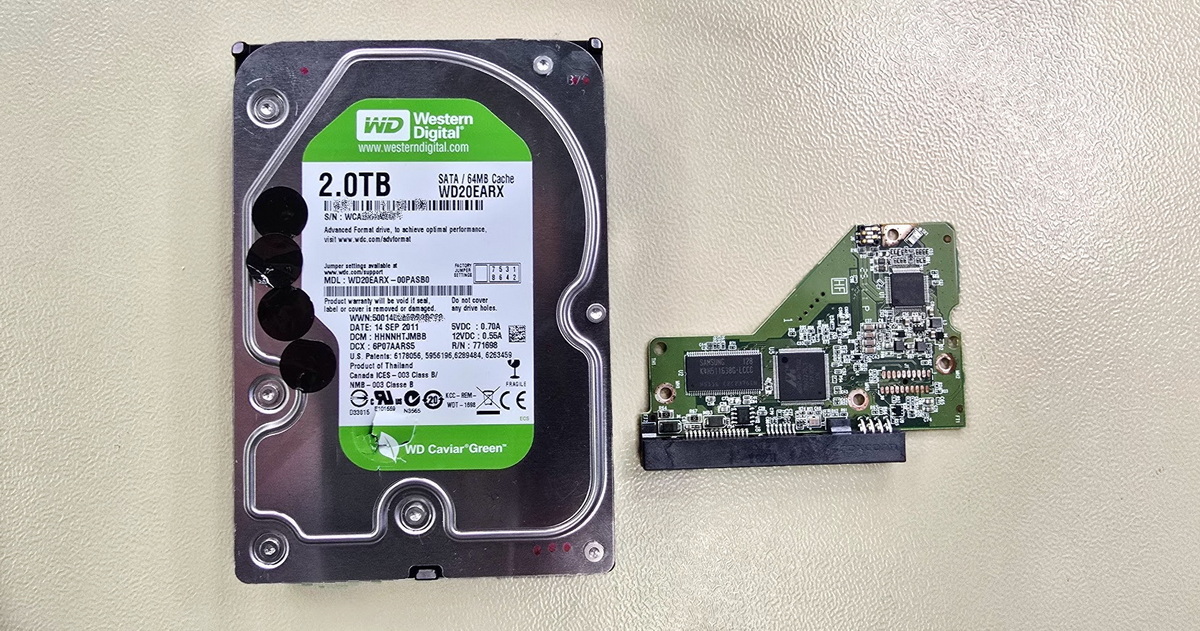
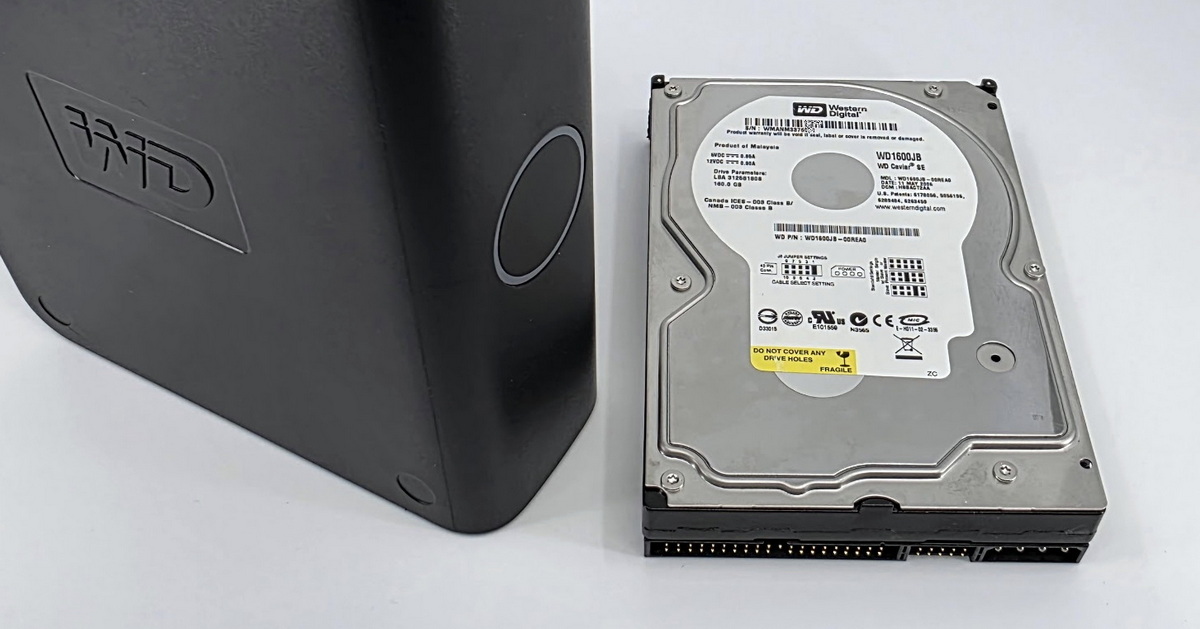
  • Amateur drive opening – WD My Book data recovery after previous intervention

    When a DIY "repair" causes more damage than the original failure

    Read more
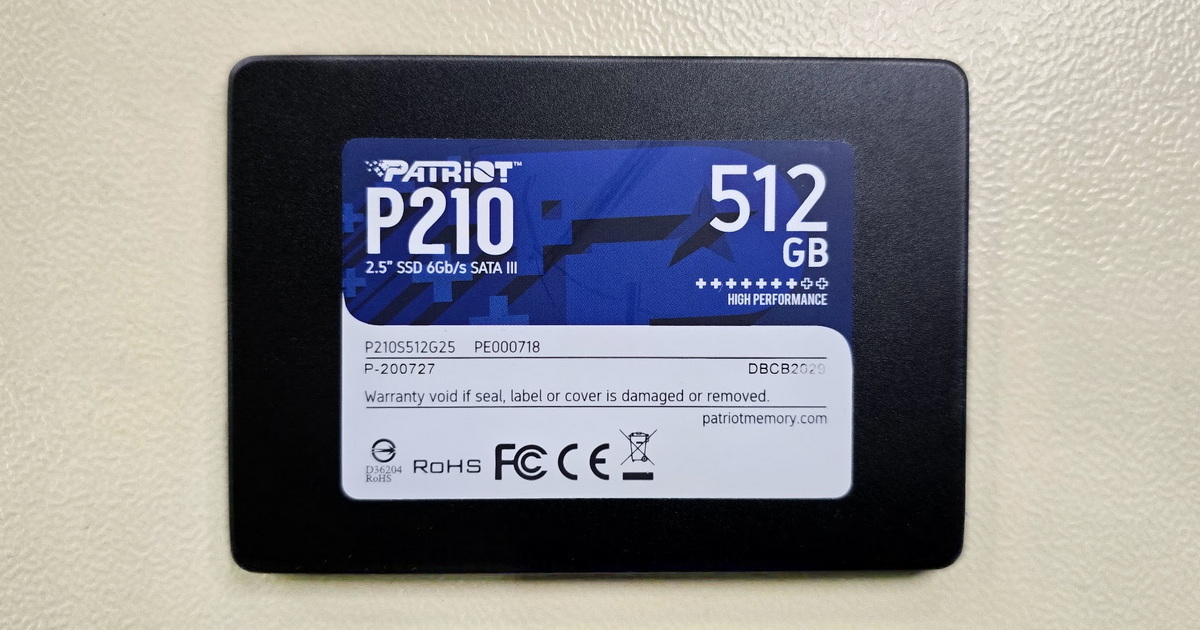
  • Patriot P210 512GB – When an SSD Reads Half a Gigabyte and Then Freezes

    Patriot P210 512GB – When an SSD Reads Half a Gigabyte and Then Freezes

    Read more
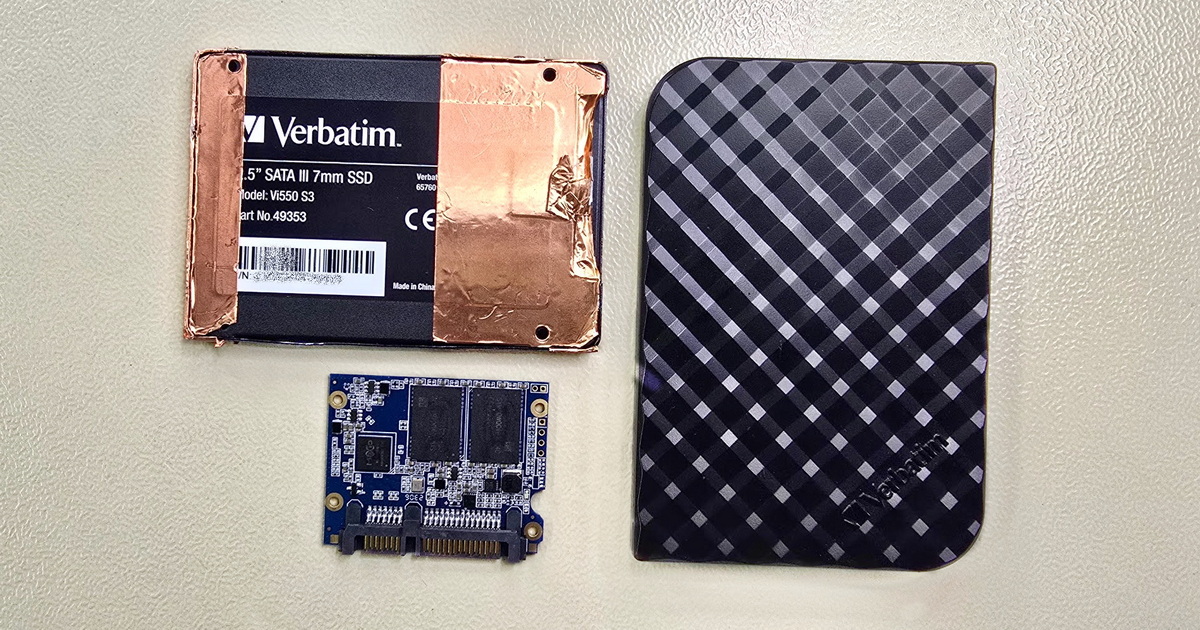
  • Verbatim SSD with Maxio MAS1102B Controller

    Verbatim Vi550 S3 SSD with Maxio Controller – When the Standard Approach Isn't Enough

    Read more
  • Ransomware a záchrana dat – co reálně funguje a kdy je pozdě

    Ransomware and Data Recovery – What Actually Works and When It's Too Late

    Read more
  • Data Recovery from Samsung Galaxy S23 Ultra after Motherboard Failure

    Data Recovery from Samsung Galaxy S23 Ultra after Motherboard Failure

    Read more
  • Forgotten Data on a Forgotten Interface

    Forgotten Data on a Forgotten Interface

    Read more
  • HDD Data Recovery – When Software Helps and When to Call the Experts

    HDD Data Recovery – When Software Helps and When to Call the Experts

    Read more
  • Western Digital My Cloud NAS with open drive bays and two WD Red Plus HDDs installed

    Formatted disk in RAID 1 and a NAS that stopped working

    Read more

Contact

EXALAB Data Recovery
Microshop s.r.o.
Pod Marjánkou 4
169 00 Praha 6
Česká Republika

Opening hours: 
Monday to Thursday
9.00 - 18.00
Friday 9.00 - 17.30
other opening hours are possible upon agreement

Hotline: +420 608 177 773
Office: +420 233 357 122
E-mail: [email protected]

Contact

Hotline: +420 608 177 773
Kancelář: +420 233 357 122
E-mail: [email protected]

Opening hours: 
Monday to Thursday
9.00 - 18.00
Friday 9.00 - 17.30
other opening hours are possible upon agreement

EXALAB Data Recovery
Microshop s.r.o.
Pod Marjánkou 4
169 00 Praha 6
Česká Republika
FILE RECOVERY MEDIA CITIES FAQ ABOUT US TESTIMONIALS PARTNER PROGRAM GLOSSARY CONTACT TERMS AND CONDITIONS GDPR COOKIES QUALITY RATING OF OUR SERVICES JOB OPPORTUNITIES COOKIES SETTINGS

Data recovery from all types of storage media Czech Republic.

© 2006-2023 FF & Microshop Česká republika