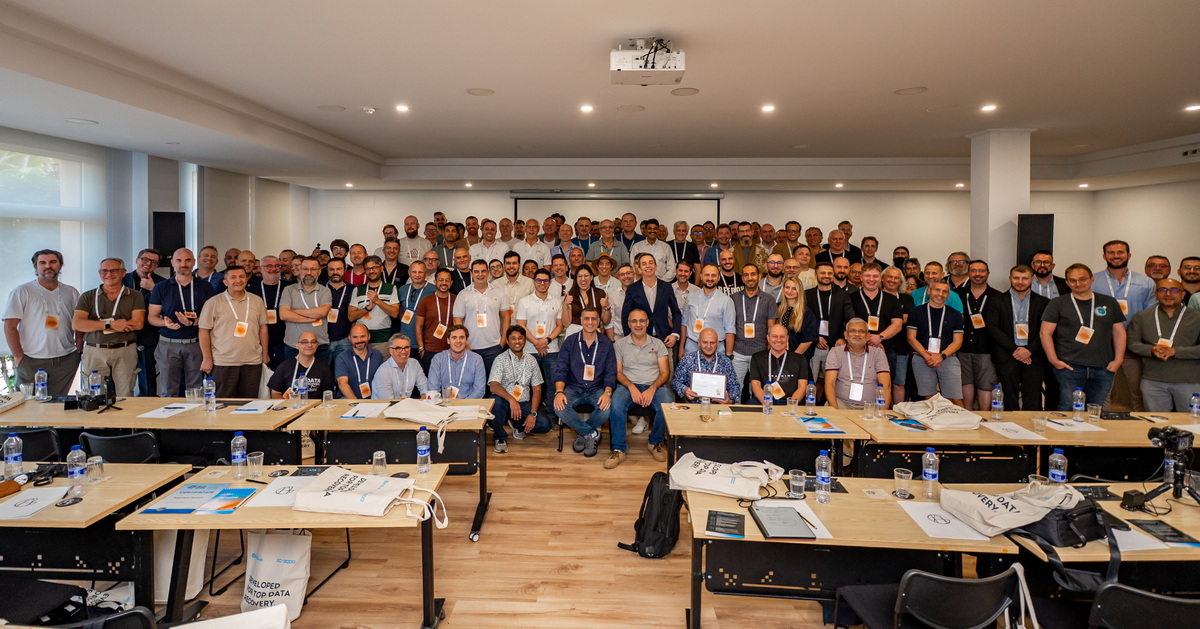
Tech Week is an annual event organized by Acelab, the maker of the PC-3000 tools used by data recovery labs worldwide, including ours. According to Acelab, 144 attendees from about 40 countries registered for this year’s event. Our lab, EXALAB, was the only attendee from the Czech Republic; Macrofer came from Slovakia.
The conference on October 8 focused mainly on new software and hardware, and October 9 brought hands-on workshops. We came away with insights into new methods for more efficient data recovery and into how to tell clients more clearly when a job is feasible and when it isn’t.
Acelab CEO Elena Shulga gave the opening address, and one of her topics was the impact of artificial intelligence on the storage market. Data center demand for memory is pushing media prices up. Market research firm TrendForce expects NAND flash contract prices to rise by another 15–20% quarter over quarter in Q4 2026. Acelab therefore anticipates more refurbished drives on the market, and its technical support is already handling such cases more often.
What do hardware encryption in SSDs and newly supported controllers mean for data recovery?
Hardware encryption in SSDs with Silicon Motion controllers is enabled by the drive maker, and Acelab says more models use it in 2026, including low-cost SATA and portable USB SSDs. With a unique key, the data stays unreadable even after the translation table—the map of where data sits in the chips—has been rebuilt, until the key is extracted from the service data. This adds several days to the job.
The encryption uses AES-256 and is handled by a dedicated engine inside the controller. The drive maker switches it on or off in the firmware configuration, where it also sets other drive parameters, such as the type of memory chips or the cache size. The key, usually unique to each unit, is then stored in the service area in the memory chips. Users are usually unaware of the encryption: the drive asks for no password and decrypts the data on its own.
The encryption protects the data in the memory chips: without the key, it stays unreadable even if the chips are removed from the drive and read directly. It also allows the drive to be securely erased in an instant—destroying the key is enough. Encryption in SSDs is therefore not new in itself; what is new is the use of unique keys on Silicon Motion controllers and PC-3000 support for them. A lab runs into the key only when it reads the drive bypassing the drive’s own firmware.
Modern hard drives have hardware encryption too: alongside shingled magnetic recording (SMR), they often use SED (self-encrypting drive) technology. On many Western Digital external drives, SED is active from the factory even if the user never set a password, as we describe in the section SED Locked—hardware-encrypted drives. On a hard drive, the key may be tied to the electronics of that specific unit; on a Silicon Motion SSD, it is stored in the service area in the memory chips.
According to Roman Morozov of Acelab, the company’s technical support has been helping with keys more and more often in recent months. PC-3000 flags the encryption on its own once the translation table has been rebuilt, but Morozov recommends double-checking. If the drive maker enabled encryption but did not generate a unique key, PC-3000 decrypts the data automatically with a default key.
In other cases, Acelab prepares the key individually from the drive’s service data—the controller’s operating information, without any user data—and it is then loaded into PC-3000 7.9.x or later. This hardware encryption is unrelated to BitLocker, FileVault, LUKS or any other operating-system-level encryption, which we cover in the section on data recovery from encrypted SSDs.
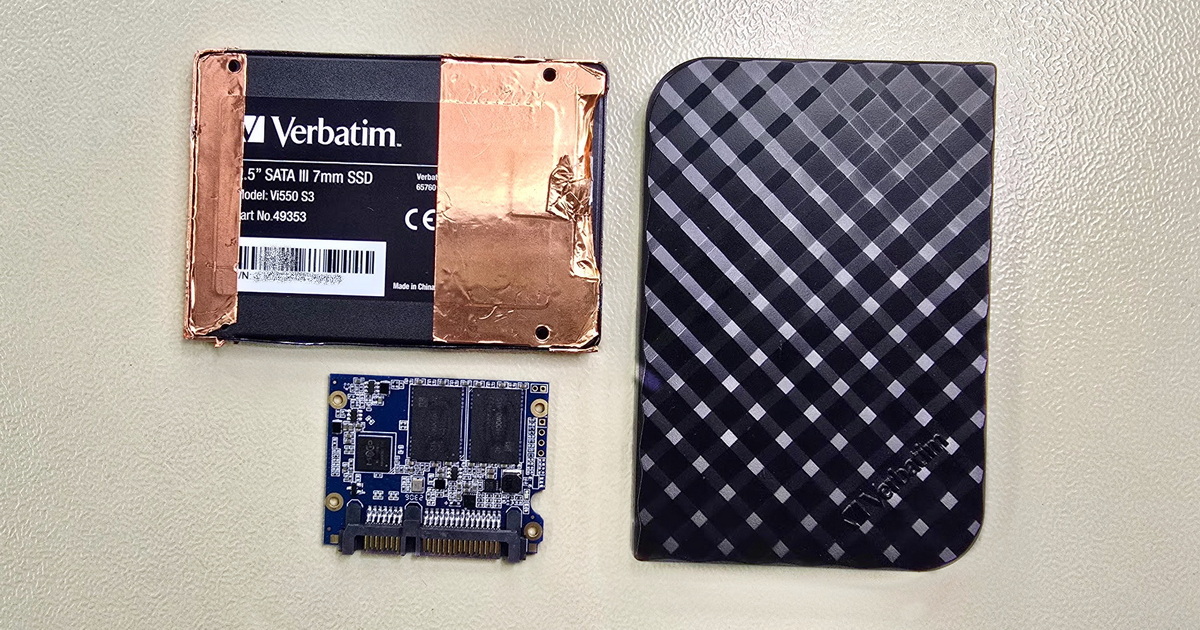
PC-3000 updates in 2026 also extended support for low-cost controllers. These include the Hosin Global HG2283 (e.g., Patriot P300), Phison’s native USB controllers PS2251-17 and PS2251-18 in portable SSDs (Crucial X6, Silicon Power), and Maxio MAS0902 and MAS1102 in budget SATA SSDs. Since the July 2026 update, portable SSDs with a USB bridge supported by PC-3000 can be read directly over USB, without soldering—as long as the bridge works. Our article Verbatim Vi550 S3 SSD with Maxio controller shows what such a job looks like.
Can data be recovered from an SSD after formatting, or even after installing a new operating system?
Data from an SSD can in many cases be recovered after a quick format, or even after a new operating system is installed on it. The prerequisite is a controller supported by PC-3000, such as Silicon Motion, Phison or Maxio. SSDs usually do not physically erase deleted blocks while free space remains, and Acelab says a clean Windows 10 install writes only 10–15 GB and Windows 11 about 20–27 GB.
A normal read of the formatted area returns only zeros. After the TRIM command, which the operating system uses to report unused blocks, the controller removes the deleted blocks from its translation table. Physically, however, the data stays in the memory chips until the drive runs out of free blocks. For supported controllers, PC-3000 can load an older version of the translation table or go through the physical blocks one by one.
In Roman Morozov’s demonstration, the physical binary copy of a 1 TB SSD was 60% larger than the logical one. Data exists in the NAND in several versions, and each additional version improves the odds of finding the original. How TRIM actually works is covered in the article we wrote after last year’s event, Data recovery from a formatted SSD: TRIM isn’t as fast as we thought.
Physical reading is slow, though: according to Acelab, a 1 TB drive takes several days to read, sometimes weeks. In some cases, only the files themselves can be recovered, without the original folder structure. Success depends mainly on how much data was on the drive before the new system was installed. The fuller the drive, the higher the chance that the new system overwrote precisely the data that matters. According to Acelab, on a BitLocker-encrypted drive that was 90–95% full, the information needed for decryption is most likely overwritten as well, and the data then cannot be recovered.
Warning: If you have accidentally formatted an SSD, or even reinstalled the operating system over the old data, stop using the drive and shut down the computer. Every further write reduces the number of free blocks and speeds up the permanent erasure of the old data.
→ SSD data recovery in general: Deleted data, data recovery after formatting
When does SSD initialization help, and why is it only a last resort?
SSD initialization is a PC-3000 7.9.9 feature released in July 2026 for drives with Silicon Motion SM2263XT and SM2320G controllers whose firmware hangs after the translation table is damaged. After initialization, the drive starts with its own firmware and reads much more reliably and faster, but the operation is risky and Acelab recommends it only as a last resort.
The established approach uses technological mode, in which the lab controls the drive with its own loader instead of the drive’s firmware. A damaged SSD is then read slowly, over a single channel and without re-reading weak cells. After initialization, the drive reads with its own firmware, including its built-in ReadRetry function, which re-reads weak cells. According to Roman Morozov, this raises copying speed from 2–3 MB/s to about 40 MB/s and makes most previously unreadable sectors readable. Acelab is preparing support for more Silicon Motion controllers.
The risk is that initialization erases part of the drive’s service structures. On SSDs with hardware encryption, the data can be lost completely if the service data was not backed up first. The right order is therefore to copy as much data as possible the conventional way, back up the service data, and only then use initialization. On SSDs with the SM2320G controller and a native USB interface, the service-data backup cannot be written back, so the step cannot be undone.
What is changing for hard drives and RAID arrays?
According to Acelab, most Seagate F3 drives from recent years are factory-locked: user data is readable, but the service area with firmware and operating data is inaccessible without modification. Since February 2026, PC-3000 has offered the Unlock Multipatch, a single patch that unlocks the service area and can optionally bypass typical start-up errors. For RAID arrays, the Acelab workshop showed why an improper rebuild is among the riskiest mistakes.
Without access to the service area, the lab cannot back up the service data, turn off background processes or build a head map, an overview of which read/write head reads which part of the drive. Sergei Eiger of Acelab warned that without this preparation, copying a drive with a weak read/write head is risky. According to Acelab, the Multipatch also helps with refurbished drives that the standard procedure cannot handle.
Replacing the electronics alone is not enough on modern Seagate and WD drives. Part of the information the drive needs to run is stored in the ROM or in the controller chip of that specific unit. How modern hard drives differ from older ones is covered in the Modern hard drives and data recovery section of our guide. For helium-filled HGST CCB drives, Acelab announced a feature that blocks writes to the service area to protect the drive when working with weak or donor read/write heads; no release date was given.
The RAID workshop was led by Alexander Leonenko, leading engineer and training instructor at Acelab. Automatic detection of the array configuration from metadata is fast, he said, but “not a cure-all”: it can return a wrong configuration, so the result is always verified against the data itself. When the metadata is missing, the configuration can in most cases be derived statistically from how data and parity are laid out—parity being the check blocks from which the array reconstructs missing data.
New rules in Data Extractor, the PC-3000 software for creating binary copies and extracting data, now help with this verification. Since February 2026, it has been able to restrict file selection by user-defined conditions, including rules designed specifically for RAID arrays. The lab can, for example, sort files by which array member holds their header and use that to verify the assembled configuration. At the conference, Acelab also showed how to select only files that do not lie on a damaged array member.
The worst scenarios arise when the array is reinitialized or rebuilt with different parameters: the newly calculated parity overwrites the original data, and RAID 5 can reconstruct only one missing block in each stripe. Writing new data to the drives is even worse, because the damage then follows no regular pattern. If the data on the array is not backed up, do not start a rebuild and hand the lab all the drives, including the one that failed first. What to do after a failed RAID rebuild is covered in our guide.
Can data be recovered from a physically damaged memory card or flash drive?
Data from a physically damaged microSD card or monolithic USB flash drive can be recovered only if the NAND memory chip itself is intact. A crack or scratch across the memory chip means the end, according to Acelab—the data cannot be recovered even if the card’s controller still works. Acelab therefore recommends X-raying the card before any attempt to read it.
A monolith is a package in which the controller, the memory chip and small components are encapsulated in a single piece of plastic. Most microSD cards and many USB flash drives are built this way. At the workshop, Acelab showed cases where a crack hit only the controller, a shorted capacitor could be removed, or broken traces were replaced with a wire thinner than a human hair. This can open a path to the user data, but it is a technically very demanding one, and success is not guaranteed.
The presentation also showed that without a truly high-quality X-ray system, the internal layout of a card cannot be verified safely. A cheap X-ray unit costing a few thousand euros did not show the memory chip at all in Acelab’s example, while a high-quality lab system costs hundreds of thousands of euros. Cases like these cannot be handled in bulk. Do not insert a damaged card into a device again, and do not try to repair it—every attempt to read or solder it can make the damage worse. Details are in the section Mechanical damage—repair of a damaged (SD) card.
Since the 2026 updates, the PC-3000 Flash software has the monolith database and the Flash Solution Center built in, so they also work without internet access. New ReadRetry algorithms were added for SanDisk and Toshiba BiCS4 and BiCS5 and for Samsung 3D TLC V4–V6 memory. Acelab also presented interchangeable panels for the most common monolith types, which allow faster reading without soldering.
Event: Acelab Tech Week 2026, Alicante, October 7–10, 2026
Topics: SSD encryption and new controllers, recovery after formatting and an OS install, SSD initialization, hard drives, RAID, damaged memory cards
Key news: Unlock Multipatch for Seagate F3, SSD initialization for Silicon Motion, reading portable SSDs over USB without soldering, file selection rules in Data Extractor, monolith database in PC-3000 Flash
For clients: data from an SSD with a supported controller can in many cases be recovered after formatting, or even after a new operating system has been installed; the odds depend mainly on how full the drive was, and an immediate shutdown with no further writes helps
Summary
Acelab Tech Week 2026 confirmed that SSD data recovery in 2026 is mainly a fight with firmware: with hardware encryption, TRIM and damaged translation tables. New PC-3000 features expand what can be recovered: in many cases, data from SSDs with supported controllers can be recovered even after formatting and a new system install. But even a lab with a top-end X-ray system cannot recover data from a cracked memory chip.
Thanks to Julia from Acelab for providing the lead photo for this article.
- Details
- By Frantisek Fridrich
- Blog