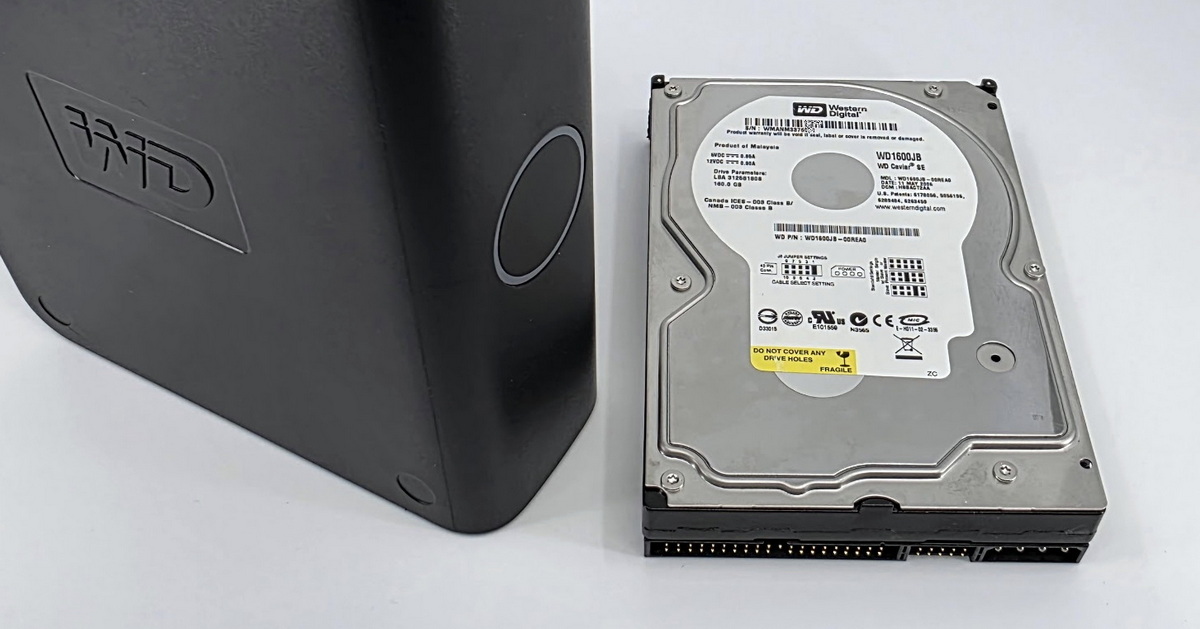
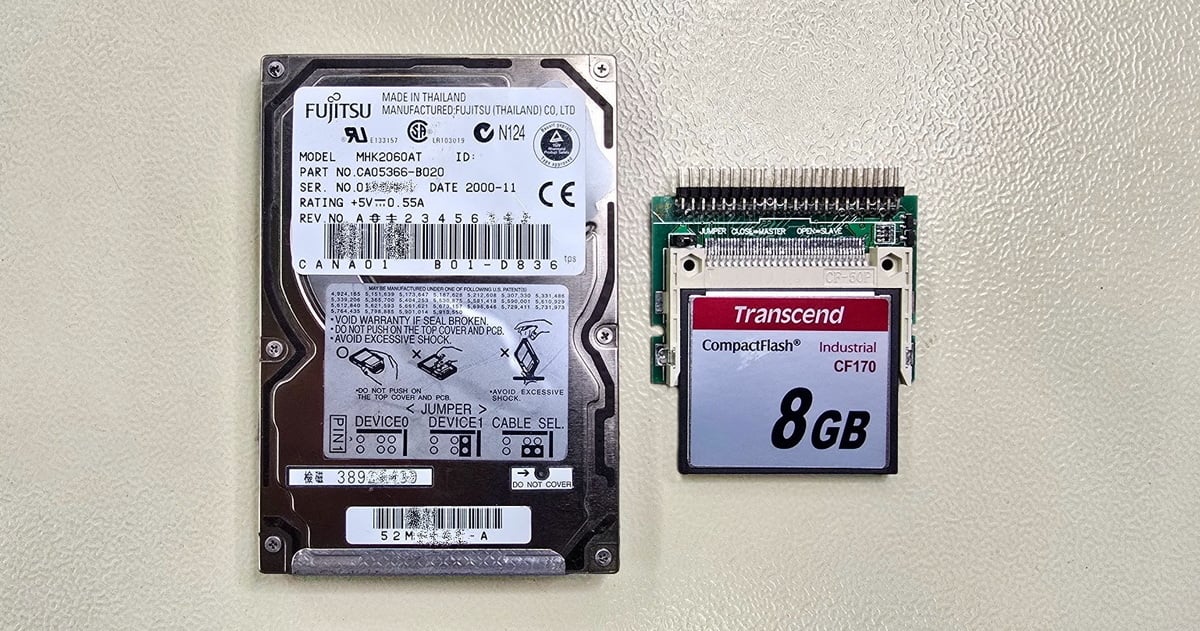
Notes from our laboratory on both common and less usual data recovery cases. You have the opportunity to glimpse into our daily work, which is often challenging and requires specialized technological procedures.
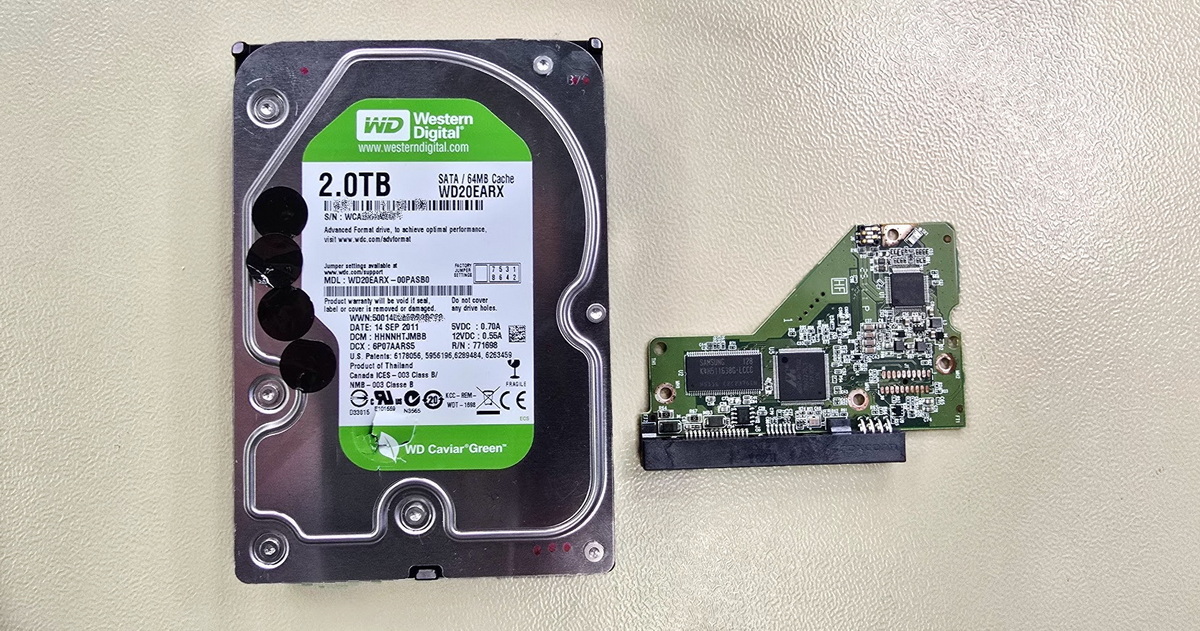
A 2TB WD My Book external drive arrived at our lab making grinding and clicking noises. We deal with mechanical damage every day – but not every drive arrives in its original state. This one had already been opened by someone before it reached us, and the situation was far from ideal.
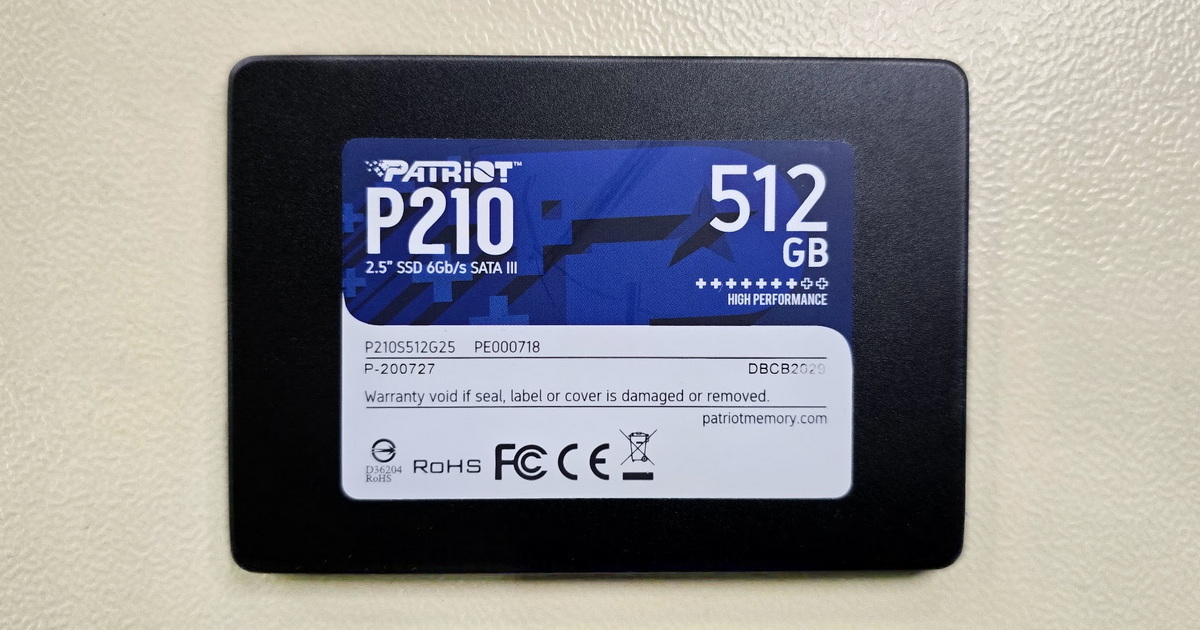
Some SSDs fail suddenly and without warning, others manifest themselves through gradual deterioration in readability. The second scenario brought a Patriot P210 with 512 GB capacity to our lab. The customer described a situation where the drive would initialize correctly, but after reading roughly half a gigabyte of data it stopped responding. A classic symptom of NAND memory degradation.
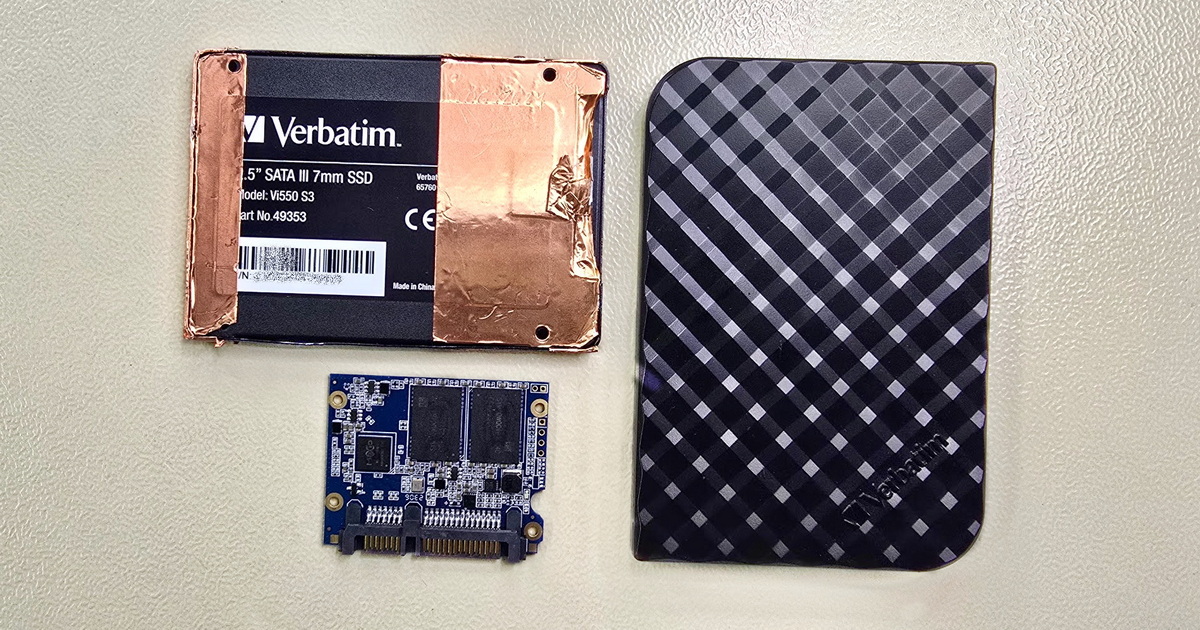
A client came to us with an external Verbatim SSD that had already spent some time at another data recovery lab. The quote he received there – high price, long turnaround, 95% success rate – led him to seek a second opinion. When we connected the drive, it showed no response whatsoever. As far as the diagnostic system was concerned, the drive simply wasn't there.

A Samsung Galaxy S23 Ultra appeared to be working at first glance. It powered on, displayed the logo, and a few seconds later restarted on its own. Over and over, in an endless loop. The owner was primarily concerned about photos and videos that were completely inaccessible in this state.

A two-drive Western Digital NAS ended up in our lab after it stopped displaying stored data. The owner tried to fix the situation himself – he formatted one of the drives – but instead of a fix, data access became completely impossible. This case illustrates well why it's better not to make hasty decisions when dealing with RAID arrays.

Some form of electronic failure (PCB) in hard drives is not uncommon. The problem may lie in the PCB itself, it can be caused by user-induced mechanical damage, or it may involve a combination of issues where the PCB isn't the main culprit, but its technological intricacies still need to be navigated. This particular drive required PCB modifications; fortunately, the data platters and read/write heads were intact.

When switching to a new mobile phone, some users transfer and back up their data immediately. Others postpone this step for various reasons, leaving the old device stored away until the "right" time arrives. This was exactly the scenario with this Lenovo phone.
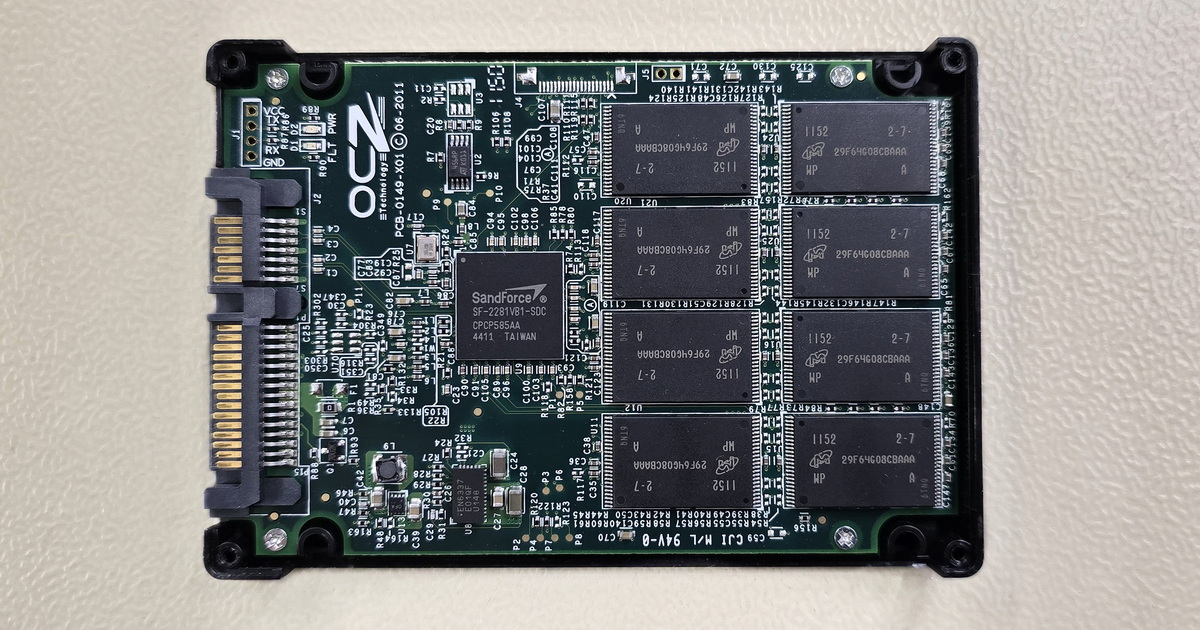
For successful data recovery from an SSD, it is crucial that the memory chips are intact and the device controller is functioning correctly. One of the most critical complications with SSDs is the failure of their controller, which ensures communication between the memory chips and the computer (or other device). If the controller fails, recovering data from such an SSD can be very challenging – and with SandForce controllers, often impossible.

The Toshiba external hard drive served as additional storage for several years before it spontaneously failed. However, with external drives, it is impossible to completely rule out the possibility that an accidental drop or impact may have contributed to the issue. Fortunately, there was no evidence of extensive mechanical damage to the read heads or data platters, and the disk could be partially initialized. However, the data was only partially accessible, so it was essential to choose the correct procedure from the very beginning.

A WD external drive was used years ago for backing up important data and then forgotten in a drawer. Over time, this backup became the only existing version of the data. Years later, the user needed to access the data again, but the hard drive thwarted their plans. After connecting, it did nothing. The issue could have been caused by the external power these drives require, but it could also be a more complex problem involving the internal drive. In this case, it was a combination of electronic failure and surface damage to the data platters, specifically affecting one of the disk’s magnetic heads.
EXALAB Data Recovery
Microshop s.r.o.
Pod Marjánkou 4
169 00 Praha 6
Česká Republika
Opening hours:
Monday to Thursday
9.00 - 18.00
Friday 9.00 - 17.30
other opening hours are possible upon agreement
Hotline: +420 608 177 773
Office: +420 233 357 122
E-mail: [email protected]
Hotline: +420 608 177 773
Kancelář: +420 233 357 122
E-mail: [email protected]
Opening hours:
Monday to Thursday
10.00 - 18.00
Friday 10.00 - 17.30
other opening hours are possible upon agreement
EXALAB Data Recovery
Microshop s.r.o.
Pod Marjánkou 4
169 00 Praha 6
Česká Republika