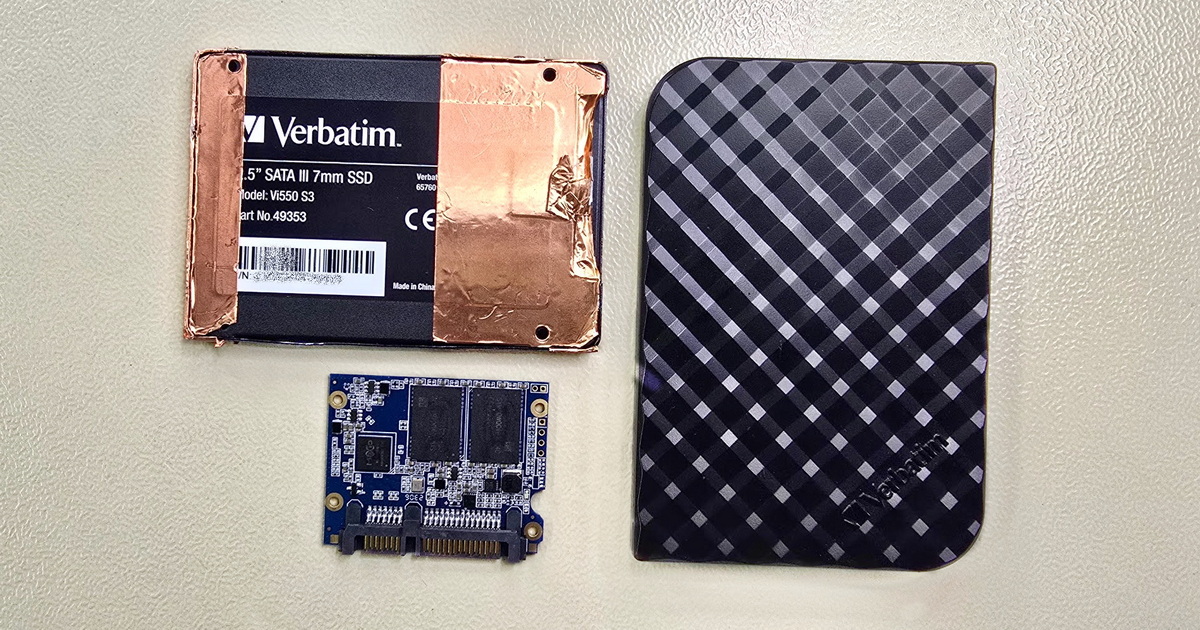
Data recovery from all WD product lines—internal Blue, Black, Red, Purple, Gold and enterprise Ultrastar drives, external My Book, My Passport, and WD My Cloud network storage. Diagnostics and shipping to our lab are free of charge.


Western Digital (WD) is, alongside Seagate, one of the most frequent brands we work with in our laboratory. We handle all internal product lines—Blue, Black, Red Plus/Pro, Purple, and Gold—enterprise Ultrastar drives (originally HGST), external My Book, My Passport, and Elements drives, WD My Cloud network storage, and legacy WD SSDs (Blue SN570, Black SN770, SN850X). Diagnostics is free of charge; data recovery prices start at CZK 1,500.
Western Digital and Seagate are jointly our most frequent patients—by volume, we handle WD drives slightly more often than Seagate. Our work covers everything from desktop hard drives and external drives through enterprise Ultrastar storage (originally HGST) to legacy WD SSDs from the product range the brand manufactured up to 2025.
Typical situations in which WD drives arrive at our laboratory:
Western Digital covers the full storage spectrum—from home desktops through NAS and surveillance systems to data centers. The breadth of product lines we work with in our laboratory reflects this scope.
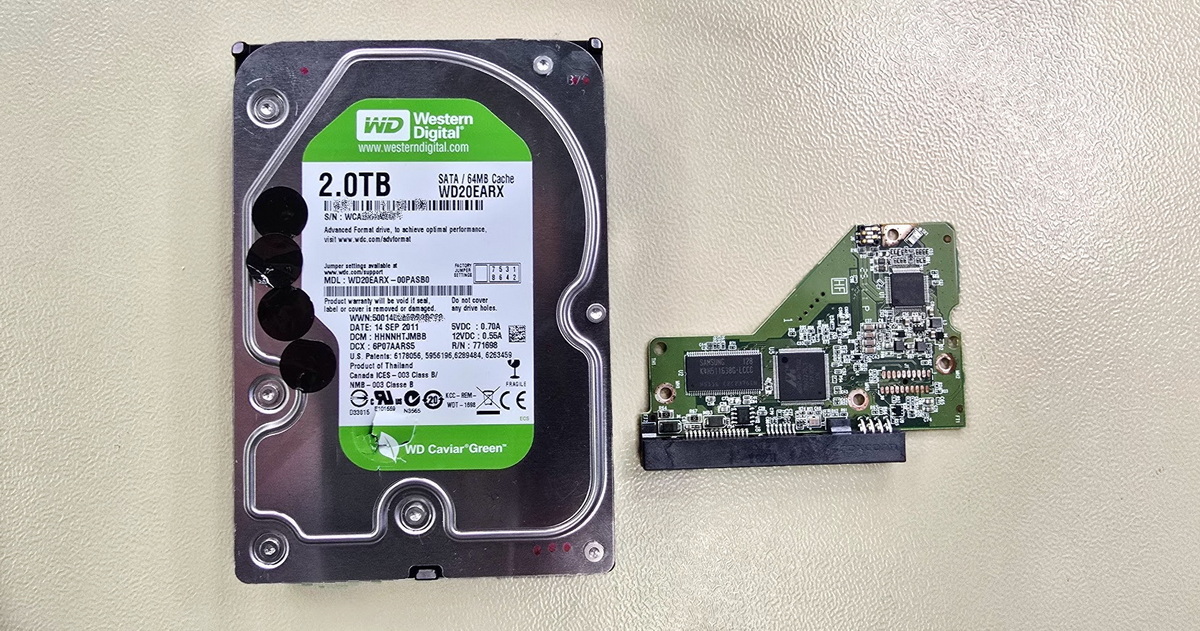
WD uses color coding to differentiate its product range. Each color corresponds to a different workload type, firmware optimization, and warranty period:
3× photo: WD color lines (Blue, Red, Black, Purple)—label detail with recognizable color coding
The Ultrastar line originated with HGST (Hitachi Global Storage Technologies), which WD acquired in 2012. The HGST brand was gradually phased out in 2018, and all drives continue under WD Ultrastar.
For data recovery from Ultrastar drives, we work with standard CMR/SMR principles and tooling for WD/HGST service data. Helium drives require particularly careful handling—breaching the helium seal during invasive intervention means the drive will no longer be reusable after recovery.
2× photo: helium enterprise drive (Ultrastar HC line / WD Gold) with visible label showing 14–18 TB
My Book is a 3.5" external desktop drive with its own 12 V power adapter and support for WD Security hardware AES-256 encryption via a USB bridge. The encryption status, however, varies by generation—on older families (Essential, Studio, Mirror Edition) it is typically active at all times, even without a user-set password; on the current WDBBGB family of single-disk models, activation is in most cases tied to installing and configuring WD Security, and the drive may in fact be unencrypted. If the bridge fails on a drive with active encryption, the data on the drive itself is in an encrypted state and requires a specialized decryption procedure. Capacities range from 4 to 26 TB. The internal drive is typically WD Red, Blue, or (for higher capacities) Ultrastar.
The My Book Duo variant contains two drives configured as RAID 0 (factory default), optionally RAID 1, JBOD, or Span; hardware encryption via the JMicron JMS561 bridge is, according to WD documentation, always active on Duo and cannot be disabled. My Book for Mac ships formatted as HFS+. WD easystore (a Best Buy exclusive for the US market) is functionally very similar to Elements—without encryption and without WD Security.
→ Per-type detail: WD My Book external drive data recovery
My Passport is a 2.5" portable drive with capacities of 1–6 TB and USB 3.0 / USB-C. Unlike My Book, it has hardware AES-256 encryption directly on the drive (not via a bridge). This architecture simplifies some recovery scenarios but complicates others—for SED locked models, access to the data is impossible even for us without the correct key.
In My Passport and Elements Portable, the USB connector is integrated directly into the drive's PCB. If the connector breaks or is damaged, it may be necessary to reprogram a donor PCB to work with the specific drive, or to perform another operation at the service-data level—this is not a job for general repair shops. See the Integrated USB connector section for details.
→ Per-type detail: WD My Passport external drive data recovery
3× photo: external WD drives (My Book desktop + My Passport portable + Elements)—different generations
WD My Cloud is a line of personal and small-business network storage units. The architecture varies by unit type:
A frequent cause of data loss in recent years has been the forced firmware migration from OS 3 to OS 5, which left a number of units in a non-functional state (red LED, boot loop, “drive not found”). Data on the internal drives typically remains intact—we recover it by removing the drives and reading from the storage media outside the unit.
→ Per-type detail: WD My Cloud network storage data recovery
On February 24, 2025, Western Digital completed the spin-off of its NAND flash and SSD division into a separate company, Sandisk Corporation. From that date onward, WD no longer manufactures new SSDs—the entire portfolio was taken over by Sandisk. At CES 2026 in January, Sandisk announced the rebranding of the previous WD Blue and WD_BLACK NVMe lines under the new Sandisk Optimus brand (three product lines: Optimus, Optimus GX, and Optimus GX PRO); the transition to the new brand is taking place during the first half of 2026.
Older WD SSDs manufactured under the WD brand prior to 2025 are, of course, still serviced. They include:
New SSDs under the Sandisk brand are handled separately.
When recovering data from WD drives, we encounter a number of technologies the manufacturer uses across its product lines that have a direct impact on the course, success rate, and cost of data recovery. Understanding them helps users see why an apparently identical symptom may require very different solutions.
A number of more recent WD drives (both internal and external) use what is called the SED locked architecture—Self-Encrypting Drive with locked communication between the processor and the ROM chip on the drive's electronics (PCB). The ROM contains unique service data necessary for initialization and correct reading of user data. This data is unique to each individual drive.
When the electronics of a SED locked drive fail, simple PCB replacement from another identical drive does not work—the donor electronics cannot initialize the drive because they lack the corresponding service data. Data recovery in such cases requires:
Without this technology and corresponding know-how, data recovery from SED locked WD drives is problematic and often impossible. This is one of the main reasons we discourage amateur PCB-replacement attempts on more recent WD drives.
3× photo: PCB with ROM chip + donor board work + micro-soldering / PC-3000 setup detail
WD external drives with WD Security support use hardware AES-256 encryption, but the implementation differs significantly:
In both cases, if a WD Security password is active and the password has been lost, the chance of recovery depends on the drive family. With some older families the password can be bypassed; with most modern drives (particularly SED locked variants) it cannot. We verify the specific drive's status during the free diagnostics—a portion of users have WD Security active without being aware of it.
The basic WD Red line uses SMR (Shingled Magnetic Recording) in current production as well—a technology in which write tracks partially overlap, increasing capacity but complicating random writes. The Red Plus and Red Pro variants are CMR. SMR drives may slow down under heavy load and cause problems during RAID rebuilds. From a data-recovery perspective, SMR is more complicated than classic CMR—even deleted data on an SMR drive may be inaccessible to standard software due to the controller's internal data management. The same behavior also applies to some WD Blue models that occasionally end up in NAS units they were not designed for. For a more detailed explanation of which WD lines use SMR and what it means for NAS users, see our article SMR—the hidden feature in some WD, Seagate, and Toshiba drives.
A typical issue with a number of WD drives (both internal and external) is what is called Slow Responding—the drive is detected by the operating system and appears functional, but responds to requests with significant delays, file reads take disproportionately long, and transfer speeds fluctuate. The cause is usually a combination of several factors:
Slow Responding behavior typically precedes complete drive failure. If you encounter it on a WD drive, we recommend stopping work with the drive immediately—continued use generally worsens the condition and may lead to head crashing on the damaged area of the surface. Do not run standard OS utilities (chkdsk, fsck) on a drive in this state; they will repeatedly attempt to write to defective areas, deepening the problem. Data recovery from a drive in Slow Responding state is generally possible but requires professional tools for gradual and gentle reading.
In WD My Passport, Elements Portable, and some My Passport SSD variants, the USB connector (USB 3.0 Micro-B, USB-C, formerly mini-USB) is powered and signal-connected directly to the drive's PCB, without an integrated bridge chip in a standard slot. Mechanical breakage of the connector can result in damage to the drive's PCB itself. Such cases are also frequently associated with a drop, so the condition of the read heads and platters must always be assessed as well—users often focus only on the USB connector and fail to notice that the drive itself sustained additional damage internally.
For older and less complex drives, re-soldering the connector may sometimes be sufficient. For newer drives with SED architecture, the situation is more complex—it requires either work on the original PCB or transferring specific chips (ROM, controller) to a donor board, which must also be unlocked for communication with the specific drive. Amateur soldering attempts in home conditions risk damaging the ROM or MCU—if that happens, data on the drive may be permanently unrecoverable.
2× photo: integrated USB connector on My Passport PCB (1× healthy / 1× broken)
If your WD drive (internal, external My Book / My Passport, network My Cloud, or WD SSD) shows signs of failure, follow these principles—they determine the chances of successful data recovery:
Important warning for encrypted WD My Book and My Passport drives: never run “Erase Drive” or “factory reset” functions from WD utilities. With some drive families, these operations generate a new encryption key, and the original data becomes permanently undecryptable.
For external drives (My Book, My Passport, Elements), the following specific principles also apply:
→ Further reading: HDD repair and data recovery
The final price of WD data recovery depends on the type of drive, the nature of the failure, and the extent of the damage. For standard WD internal and external HDDs, the price is in the same range as for other brands; for drives with SED locked architecture, encrypted My Book / My Passport units, or damaged SMR lines, the work may be more demanding. We always determine the specific price after free diagnostics—you know in advance how much the recovery will cost, and only then do you decide whether to proceed.
Current prices for individual media types are listed in the price list, with more detailed information about the recovery process available in the individual pillar pages:
Diagnostics is always free of charge and non-binding. If data recovery is not technically possible, or if you decide not to confirm the price quote, you pay nothing.
In most cases yes, but the outcome depends on how severe the mechanical damage inside the drive is. Clicking or ticking on a WD My Book, My Passport, or Elements most often indicates damaged read heads after impact—their replacement and data recovery is a standard laboratory procedure, but only if the drive is kept powered off and disconnected from then on. Every additional spin-up with damaged heads typically damages the platters where the data is stored, reducing the chances of successful recovery.
We always determine the specific condition through free diagnostics—we will tell you what happened to the drive, what path the recovery would take, and how much it would cost. Only then do you decide whether to proceed.
It depends on the type of drive, its age, and whether the user knows the password the drive was protected with. Encryption in WD external drives (My Book, My Passport) has gone through several generations over the past 15 years, and behavior differs between older and newer drives—with some older families it is easier to access encrypted data, while in newer drives (particularly 2.5" My Passport with a unique controller and ROM) encryption is part of the architecture with no possibility of bypass.
The practical rule that applies across generations:
Without physical diagnostics, this cannot be determined. The causes are typically threefold: external electronics failure (USB bridge in the enclosure)—relatively common after overvoltage or mechanical cable damage; damage to the drive's own PCB—often SED locked, requiring the specialized procedure described above; or mechanical or logical damage to the drive internally. Some of these manifest with the same symptoms but require entirely different approaches to resolve. In some cases, a PCB failure can also damage the internal electronics in the read-head assembly, which complicates matters further.
What you should definitely not do: repeatedly connect the drive, try different ports and cables hoping it will “kick in,” or open the enclosure and try to remove the drive. With the integrated USB connector on My Passport and Elements Portable, manipulation risks PCB damage. Diagnostics is free of charge, and distinguishing between failure types is its first step.
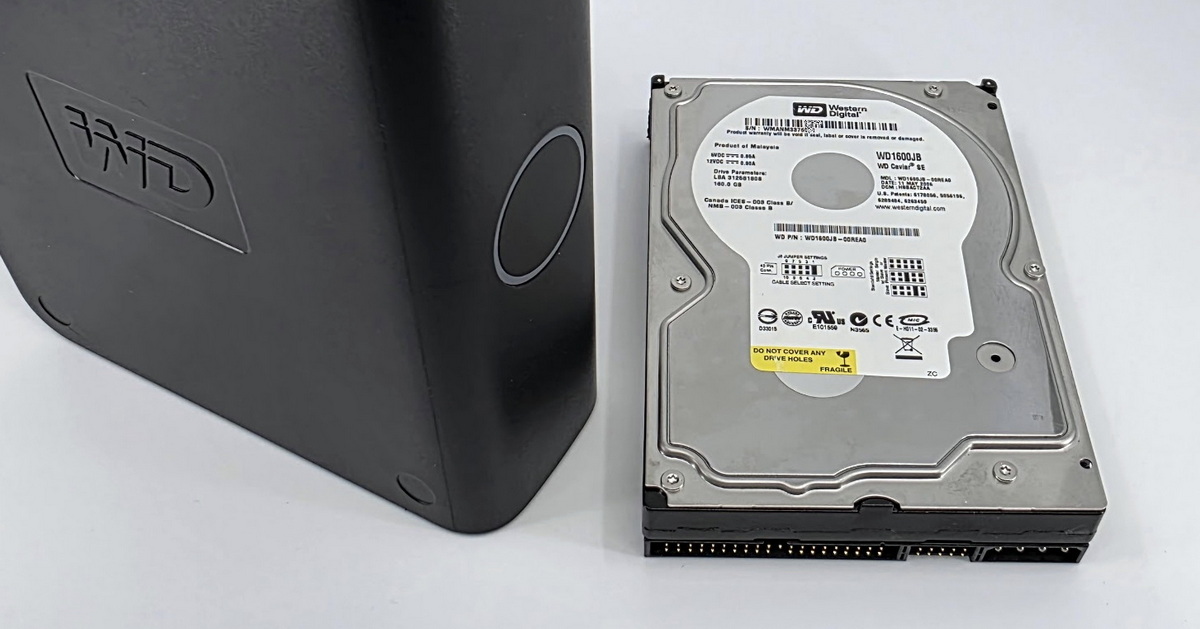
Yes. Older WD Caviar drives (Black, Blue, Green, Red prior to the 2011 rebrand) and HGST drives (Deskstar, Travelstar, Ultrastar prior to absorption into the WD Ultrastar brand in 2018) regularly arrive at our laboratory—typically from RAID arrays, NAS units, and desktops that have been in service for many years. Specific lines such as VelociRaptor 10,000 RPM appear less frequently. We keep thousands of donor drives and parts in stock, so for the vast majority of older WD and HGST models we have heads and PCBs immediately available; for rare variants we source parts from established suppliers as needed.
Specifics of older drives: WD Caviar lines typically do not use the SED locked architecture, so PCB replacement is more straightforward than for newer WD drives. For HGST drives, we work with tooling specific to that brand—part of which is shared with WD Ultrastar, while another part is exclusive to pre-rebrand HGST models.
For deeper context, we recommend a number of our pillar pages:
Send us the drive for free diagnostics—shipping within the Czech Republic is also free of charge. After diagnostics you will receive a specific price quote, and only then do you decide whether to proceed with the recovery. You pay only for successfully recovered data.
EXALAB Data Recovery
Microshop s.r.o.
Pod Marjánkou 4
169 00 Praha 6
Česká Republika
Opening hours:
Monday to Thursday
9.00 - 18.00
Friday 9.00 - 17.30
other opening hours are possible upon agreement
Hotline: +420 608 177 773
Office: +420 233 357 122
E-mail: info@exalab.cz
Hotline: +420 608 177 773
Kancelář: +420 233 357 122
E-mail: info@exalab.cz
Opening hours:
Monday to Thursday
10.00 - 18.00
Friday 10.00 - 17.30
other opening hours are possible upon agreement
EXALAB Data Recovery
Microshop s.r.o.
Pod Marjánkou 4
169 00 Praha 6
Česká Republika